
Exploring Parallelogram Properties by Matthew Zeigler
Loading the math board and drawing, please wait…
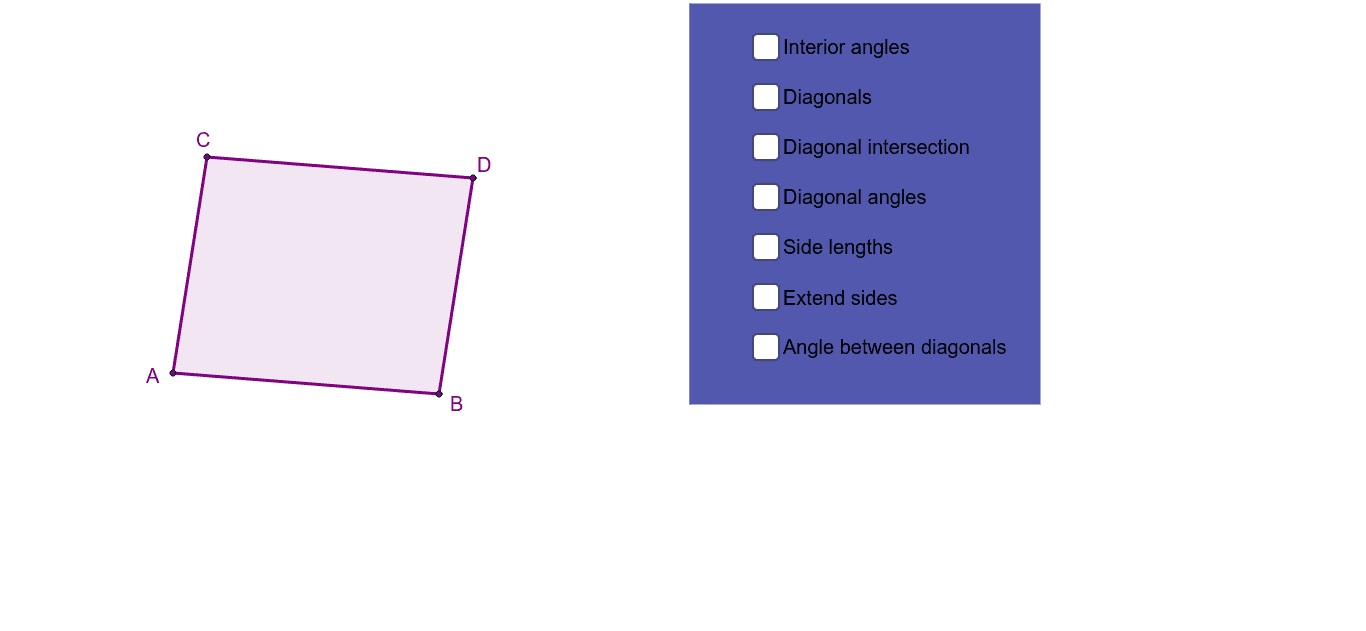
This example demonstrates the properties of parallelograms through interactive exploration. It involves core math concepts like coordinate geometry, vectors, and polygons. Constructed using GeoGebra commands such as Line, Intersect, Polygon, Segment, and Angle. Ideal for middle school and above students to learn and verify geometric properties of parallelograms.
GeoGebra Commands & Parameters
Line(A, B) → aLine(C, a) → bLine(A, C) → cLine(B, c) → dIntersect(b, d) → DPolygon(C, A, B, D) → poly1, c_1, a_1, b_1, d_1Segment(A, D) → ADSegment(C, B) → CBSegment(C, D) → CDSegment(D, B) → DBSegment(B, A) → BASegment(A, C) → ACSegment(D, A) → gSegment(C, B) → hAngle(g, h) → αSegment(A, D) → jSegment(C, B) → kAngle(B, A, D) → βAngle(D, A, C) → γAngle(A, C, B) → δAngle(B, C, D) → εAngle(C, D, A) → ζAngle(A, D, B) → ηAngle(D, B, C) → θAngle(C, B, A) → ιIntersect(j, k) → ESegment(E, C) → ECSegment(E, D) → EDSegment(E, B) → EBSegment(E, A) → EALine(C, A) → nLine(A, B) → pLine(B, D) → qLine(D, C) → rPolygon(F, G, H, I) → poly2, f_1, g_1, h_1, i_1Angle(poly1) → κ, λ, μ, ν
AI Drawing Prompt Reference
Draw a parallelogram to demonstrate that its opposite sides are parallel and equal in length, and that its diagonals bisect each other. Start by drawing two parallel lines, then construct the parallelogram using the intersection points. Label all sides and vertices. Next, draw the diagonals and mark their intersection point. Finally, measure and label all interior angles to verify the properties of the parallelogram's angles.
The prompt above was compiled from the original drawing commands and is for reference only.