
The Parallelogram Factory
Loading the math board and drawing, please wait…
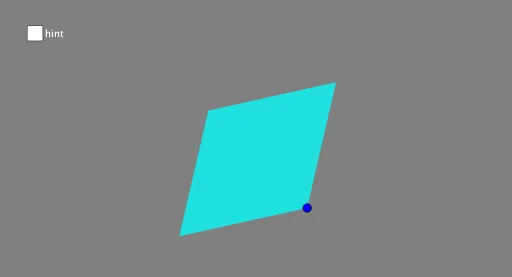
This example demonstrates the construction and properties of parallelograms. It involves core mathematical concepts such as vectors, two-dimensional geometry, polygon construction, and angle measurement. Key GeoGebra commands and objects used include Circle, Polygon, Segment, Angle, and points A, B, C, c, d, B', C', poly1, b, c_1, b', c, a, e, f, g, h, α. Suitable for high school mathematics teaching or for geometry enthusiasts studying parallelogram-related knowledge points.
GeoGebra Commands & Parameters
Circle(A, B) → cCircle(A, C) → dPolygon(B, C, B', C') → poly1, b, c_1, b', c'Segment(C, C') → fSegment(B, B') → gAngle(B, A, C) → α
AI Drawing Prompt Reference
Draw a parallelogram by first creating two circles with two points as centers, then find the intersection points of these circles. Connect these points and the original points to form a parallelogram, and draw the angle between one side of the parallelogram and its vertex to demonstrate the construction and properties of the parallelogram.
The prompt above was compiled from the original drawing commands and is for reference only.