
Drawing an Ellipse
Loading the math board and drawing, please wait…
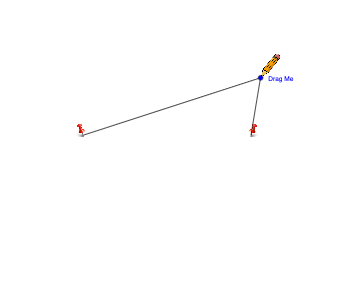
This example demonstrates how to draw an ellipse using GeoGebra. Key mathematical concepts include the definition and properties of an ellipse. Commands such as Point, Ellipse, Mirror, Segment, Line, Circle, and Intersect are used to construct the ellipse and related elements. Suitable for high school mathematics education and learning.
GeoGebra Commands & Parameters
Point(xAxis) → F_1Point(xAxis) → F_2Ellipse(F_1, F_2, C) → cPoint(c) → PMirror(pic1_{1}, yAxis) → pic2Segment(F_1, P) → hSegment(P, F_2) → iLine(P, xAxis) → fCircle(P, 0.7) → dIntersect(d, f, 2) → D
AI Drawing Prompt Reference
Draw an ellipse. The ellipse is defined by two points on the x-axis, with the center at a point on the ellipse. Line segments connect points on the ellipse to points on the x-axis. A line connects a point on the ellipse to the x-axis. A circle intersects this line at a point. A mirror is used for symmetric construction. Additionally, the shape and properties of the ellipse can be demonstrated through these elements. The construction involves creating the ellipse, drawing related lines and segments, and finding intersections.
The prompt above was compiled from the original drawing commands and is for reference only.