
Distance Calculation Between Two Points in the Coordinate Plane
Loading the math board and drawing, please wait…
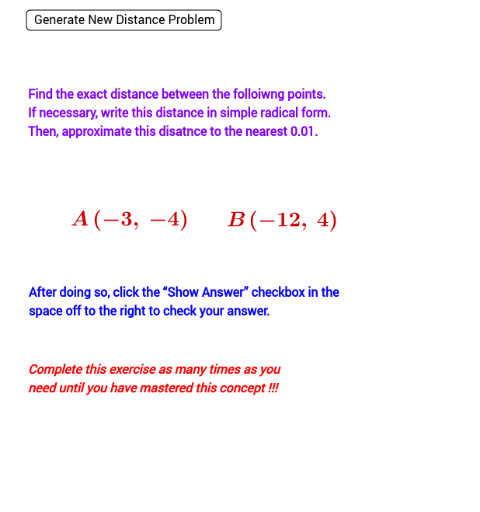
This applet allows students to practice calculating the distance between two points with integer coordinates randomly generated. The core mathematical concept involved is the distance formula in coordinate geometry, which is an application of the Pythagorean theorem. The GeoGebra commands used include Distance, SurdText, Segment, etc. It is suitable for students from middle school and above for geometric construction practice.
GeoGebra Commands & Parameters
Distance(A, B) → aSurdText(a) → text1Segment(B, A) → bOrthogonalLine(B, c) → dIntersect(e, d) → CMidpoint(b) → E
AI Drawing Prompt Reference
Draw the distance between two points A and B on the coordinate plane, display the distance value, and draw a line segment connecting these two points. Then draw a line perpendicular to AB, find its intersection with the perpendicular bisector of AB, which is point C. Finally, mark the midpoint E of AB.
The prompt above was compiled from the original drawing commands and is for reference only.