
Cylinder Volume Calculation by Mark Willis
Loading the math board and drawing, please wait…
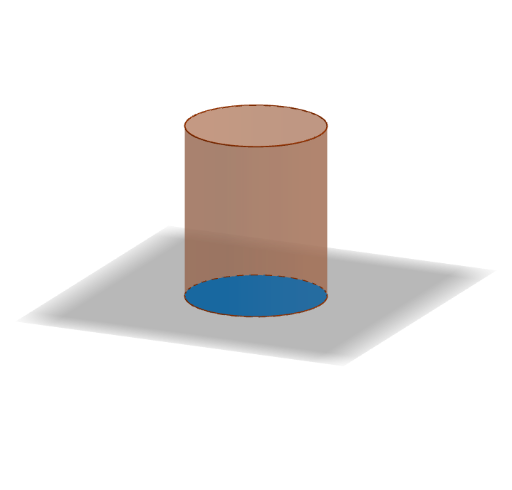
This example demonstrates the calculation of a cylinder's volume through dynamic visualization. Key math concepts include the cylinder volume formula, circle area, and integral concepts. It utilizes commands and objects like Intersect, Circle, Cylinder, Point, Volume, and LaTeX as per the construction summary. Suitable for high school solid geometry teaching and introductory mathematical modeling.
GeoGebra Commands & Parameters
Intersect(xAxis, yAxis) → ACircle(A, radius) → cCylinder(c, height) → a, d, bIntersect(c, xAxis, 2) → BPoint(zAxis) → CCylinder(A, C, radius) → e, f, g, hVolume(a) → VolumeLaTeX(Volume, true, true) → text1
AI Drawing Prompt Reference
Draw a cylinder by first creating a circle in the coordinate system, then drawing a cylinder with the circle as the base and a variable height, and finally calculating and displaying the volume of the cylinder.
The prompt above was compiled from the original drawing commands and is for reference only.