
Cross-Sections of a 2-Cube
Loading the math board and drawing, please wait…
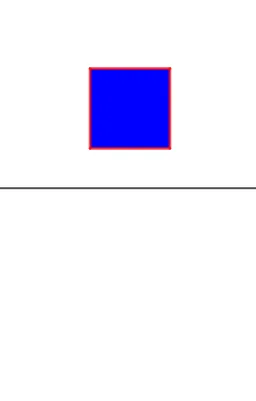
This example demonstrates the intersection of a 2-cube with various planes, highlighting the relationship between geometry and trigonometry. Key mathematical concepts include polygon sections, trigonometric functions, and parametric construction. The construction involves using GeoGebra commands like Line, Polygon, Intersect, and Segment to create the section, with parameters θ and R to adjust the shape. Suitable for high school students or college freshmen learning coordinate geometry and trigonometric applications.
GeoGebra Commands & Parameters
Line((0, 0), (1, 0)) → LPolygon(A, B, C, D) → q1, a, b, c, dPolygon(A_T, B_T, C_T, D_T) → q2, a_t, b_t, c_t, d_tIntersect(L, q2) → E, E_{1}Segment(E, E_{1}) → f
AI Drawing Prompt Reference
Draw a square, then draw another square and adjust its position and angle so it intersects with the first line. Finally, connect the two intersection points to form a line segment.
The prompt above was compiled from the original drawing commands and is for reference only.