
Create a Formative Assessment Resource with Instant Feedback in GeoGebra
Loading the math board and drawing, please wait…
In collections
Authoring For Assessment (Global Gathering 2019)
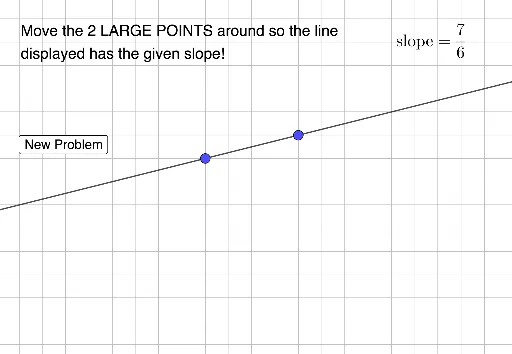
This example demonstrates how to create a formative assessment resource with instant feedback using GeoGebra. Key mathematical concepts include cubes, cones, indefinite integrals, and Pythagoras' theorem. Using commands such as Sequence, Union, FractionText, Line, and Slope, an interactive geometric construction is created. Suitable for secondary school mathematics education, aiding students in understanding geometric and calculus concepts.
GeoGebra Commands & Parameters
Sequence(i, i, -10, 10, 1) → nlistSequence(i, i, -10, -1, 1) → dleftSequence(i, i, 1, 10, 1) → drightUnion(dleft, dright) → dlistFractionText(m) → text1Line(A, B) → fSlope(f) → m_1