
Completing the Square for Random Quadratic Equations
Loading the math board and drawing, please wait…
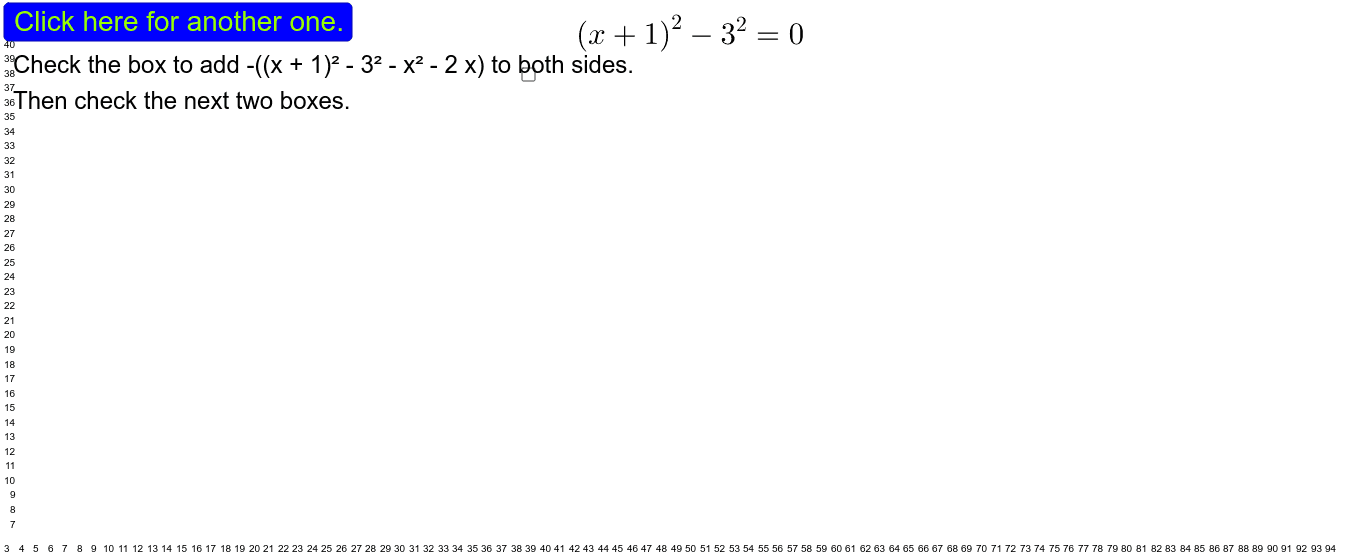
This GeoGebra applet demonstrates a step-by-step method for solving randomly generated quadratic equations using the completing the square technique. Core mathematical concepts include quadratic equations, algebraic manipulation, perfect square trinomials, and the derivation of the quadratic formula. The construction utilizes GeoGebra commands such as `Random` and `RandomElement` to dynamically generate coefficients a, b, and c, while `Simplify` handles the algebraic transformations. Various text objects, sliders, and interactive buttons are used to guide the student through each algebraic step. It is highly suitable for secondary school algebra classrooms, self-paced learning, and interactive math workshops.
GeoGebra Commands & Parameters
RandomElement({-7, -6, -5, -4, -3, -2, -1, 1, 2, 3, 4, 5, 6, 7}) → aRandom(-7, 7) → bRandom(1, 7) → cSimplify((x - a)^(2) - c^(2)) → sl1Simplify(y^(2) + (b2 * y)) → sr2Simplify((-((x - a)^(2) - c^(2) - x^(2) - (a2 * x)))) → s3Simplify(x^(2) + (a2 * x)) → s4Simplify((x - a)^(2)) → sl5Simplify((y - b)^(2)) → sr5Simplify(x - h) → sl6Simplify(sl2(x, y) + j) → v
AI Drawing Prompt Reference
Create an interactive demonstration of completing the square for randomly generated quadratic equations. The applet picks a non‑zero leading coefficient a, a linear coefficient b, and a constant c, then shows each algebraic step that rewrites the equation as a perfect‑square trinomial, leading to the quadratic formula. Include dynamic text annotations, a slider to advance through the steps, and buttons to trigger the next transformation, so the learner can follow the derivation visually.
The prompt above was compiled from the original drawing commands and is for reference only.