
Piecewise Function Practice
Loading the math board and drawing, please wait…
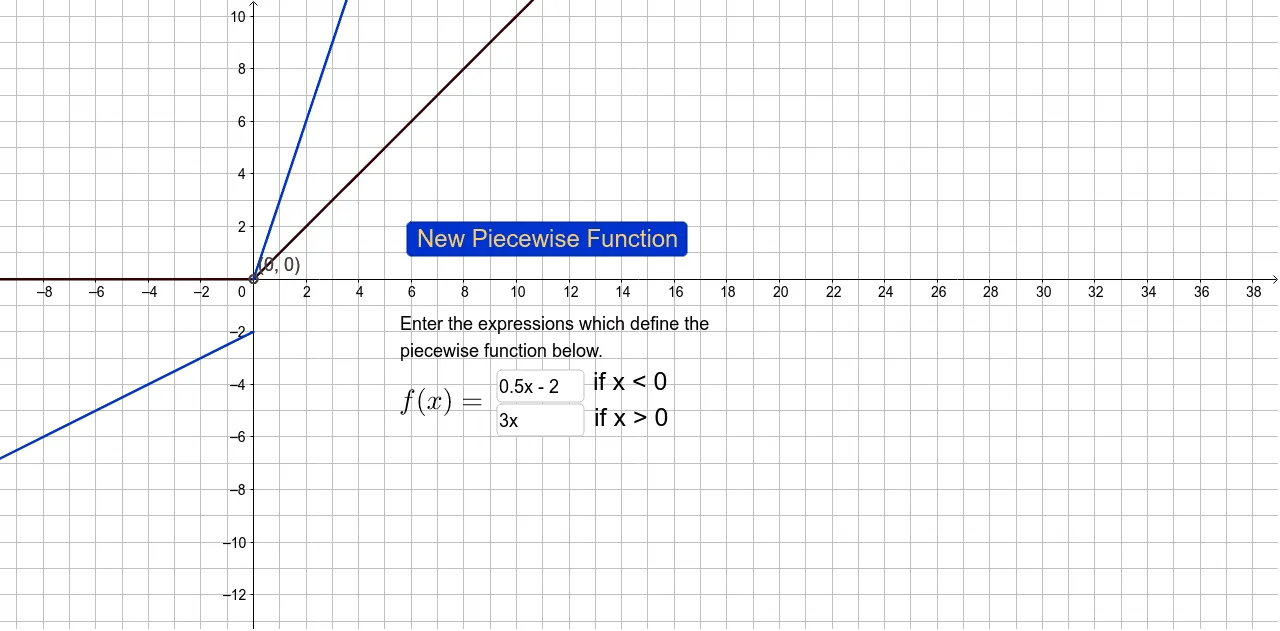
This example demonstrates how to draw piecewise functions, specifically linear pieces. The key mathematical concepts include piecewise functions, linear equations, and graphical representation. Construction involves using GeoGebra commands such as RandomElement, Textfield, InputBox, etc., to create piecewise function objects. Suitable for middle or high school mathematics to practice function graphs and piecewise concepts.
GeoGebra Commands & Parameters
RandomElement({-3, -2.5, -2, -1.5, -1, -0.5, 0, 0.5, 1, 1.5, 2, 2.5, 3}) → a_1RandomElement({-3, -2.5, -2, -1.5, -1, -0.5, 0, 0.5, 1, 1.5, 2, 2.5, 3}) → a_2RandomElement({-3, -2, -1, 0, 1, 2, 3}) → b_1RandomElement({-2, -1, 0, 1, 2}) → boundaryRandomElement({-3, -2, -1, 0, 1, 2, 3}) → b_2Textfield(left) → InputBox1Textfield(right) → InputBox2