
Basic Negative Numbers: Escape Room Challenge
Loading the math board and drawing, please wait…
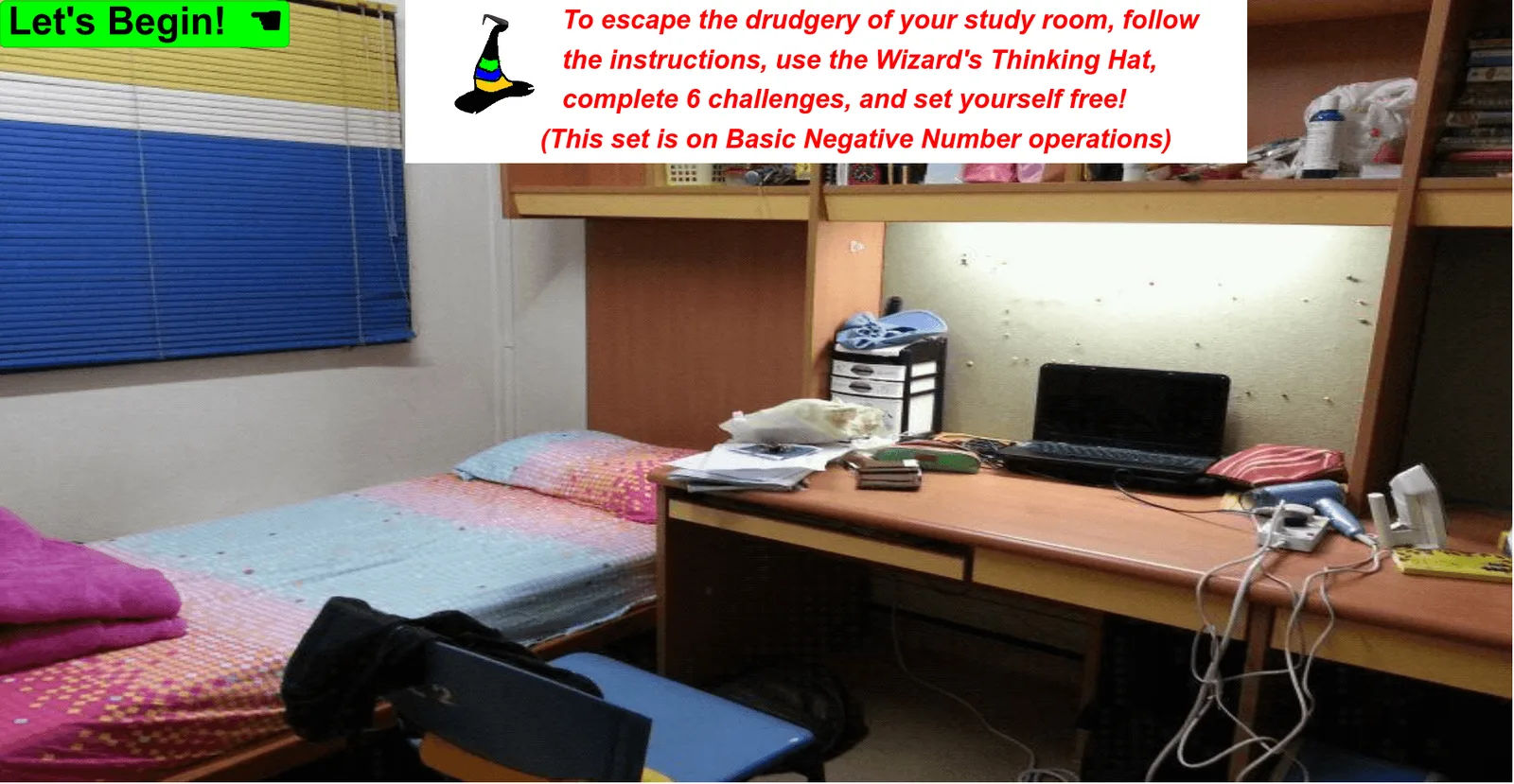
This is a simple escape room game focusing on basic negative number operations. It highlights common errors and misconceptions found in student work. Participants solve problems related to negative numbers to progress through the game. The example uses GeoGebra commands such as Corner, Polygon, IsInRegion, and Textfield, suitable for middle school mathematics education.
GeoGebra Commands & Parameters
Corner(1) → I_{rm1}Polygon(H_{s64}, H_{s63}, H_{s62}, H_{s61}) → hotspot6WindowBlind, a_1, b_1, c_1, d_1Polygon(H_{s14}, H_{s13}, H_{s12}, H_{s11}) → hotspot1Laptop, a_2, b_2, c_2, d_2Polygon(H_{s21}, H_{s22}, H_{s23}, H_{s24}) → hotspot2MiddleDrawer, a_3, b_3, c_3, d_3Polygon(H_{s34}, H_{s33}, H_{s32}, H_{s31}) → hotspot3PinkBag, a_4, b_4, c_4, d_4Polygon(H_{s44}, H_{s43}, H_{s42}, H_{s41}) → hotspot4Pillow, a_5, b_5, c_5, d_5Polygon(H_{s54}, H_{s53}, H_{s52}, H_{s51}) → hotspot5ElectricIron, a_6, b_6, c_6, d_6Corner(2) → I_{rm2}Corner(4) → I_{rm4}IsInRegion(P_{pf}, Element[listhotspots, countStage]) → activatehotspotTextfield(textAnswer) → InputBox1Corner(1) → I_{es1}Corner(2) → I_{es2}
AI Drawing Prompt Reference
Draw a simple room with five hotspots representing a window, laptop, middle drawer, pink bag, and pillow. Use basic negative number operations to solve puzzles to unlock the hotspots. Start from the top-left corner and draw the window, laptop, middle drawer, pink bag, and pillow in sequence, with each hotspot consisting of four points forming a quadrilateral.
The prompt above was compiled from the original drawing commands and is for reference only.