
Area: Multiplication Beginnings- Lesson 6
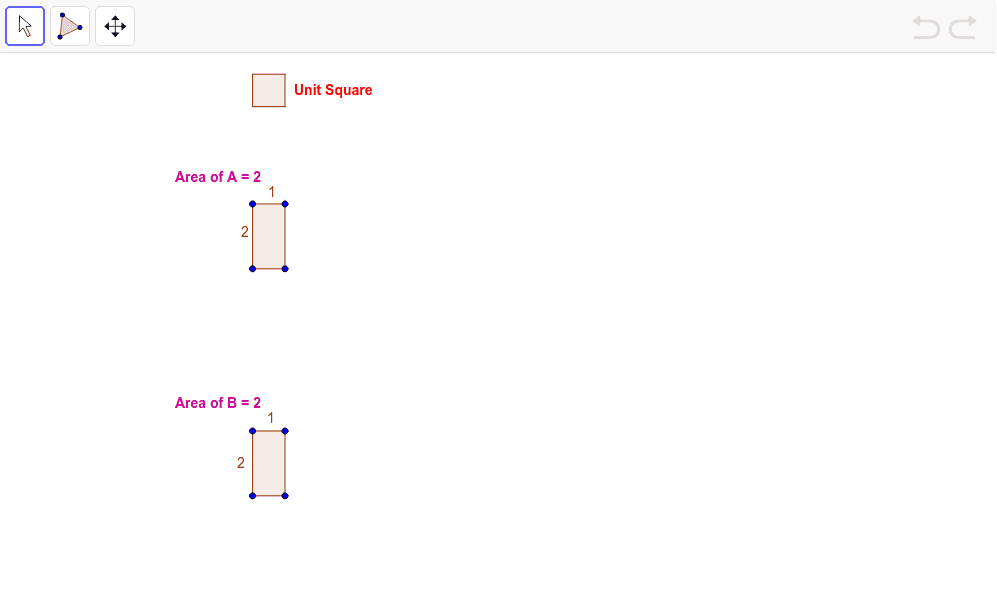
Loading the math board and drawing, please wait…
This example demonstrates how to construct polygons and calculate their areas using GeoGebra, involving core math concepts like area, multiplication, combinatorics, symmetry, and algebra. Key construction points include using commands like Polygon and Distance, and objects such as A, B, C, D, poly1, a, b, c, d, e, f. Suitable for upper elementary or lower middle school students learning the integration of geometry and multiplication.
GeoGebra Commands & Parameters
Polygon(A, B, C, D) → poly1, a, b, c, dDistance(b, c) → eDistance(d, a) → fPolygon(E, F, G, H) → poly2, e_1, f_1, g, hPolygon(I, J, K, L) → poly3, i, j, k, lDistance(i, l) → mPolygon(M, N, O, P) → poly4, m_1, n, o, pDistance(m_1, p) → qPolygon(Q, R, S, T) → poly5, q_1, r, s, t
AI Drawing Prompt Reference
Draw a pentagon using four points, then create two new pentagons based on the lengths of adjacent sides and diagonals of the original pentagon. Next, draw two more pentagons using the lengths of the sides of these new pentagons, forming five nested pentagons to illustrate the connection between area and multiplication.
The prompt above was compiled from the original drawing commands and is for reference only.