
Vector Parameterization of a Line in 3D
Loading the math board and drawing, please wait…
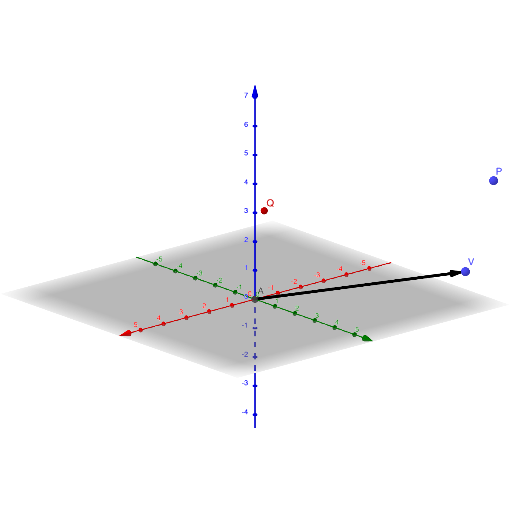
This example demonstrates how to define and visualize a straight line in 3-dimensional space using a vector parameterization. It highlights the geometric meaning of the parameter (commonly denoted by t) and how the line is determined by a point and a direction vector. Key concepts include 3D vectors, direction/position vectors, and the linear combination idea behind the parametric equation of a line. In the construction, GeoGebra uses the commands Intersect and Vector to create the necessary geometric entities. The setup involves parameter t, vector objects such as u, points like A and P, and additional points/variables (p, q, r, Q) that participate in the intersection-based definition of the line’s elements. Suitable for middle-to-high school extension (solid/coordinate geometry) and early university preparation, as well as self-study for understanding vector-based line representations in 3D.
GeoGebra Commands & Parameters
Intersect(xAxis, zAxis) → AVector(A, V) → u
AI Drawing Prompt Reference
Visualize a straight line in 3D space using vector parameterization. Start by finding the intersection of two coordinate axes to determine a point, then draw a vector from this point in a specified direction. Show how the line is defined by this point and vector, and illustrate how the parameter t controls the line's extension.
The prompt above was compiled from the original drawing commands and is for reference only.