
Vector Magnitude and Direction
Loading the math board and drawing, please wait…
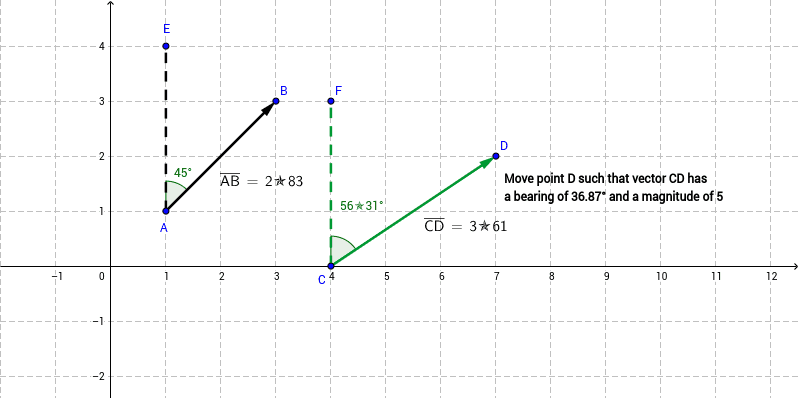
This example demonstrates how to draw and calculate the magnitude and direction of vectors using GeoGebra. Key math concepts include vectors, magnitude (length), and direction angle. Construction highlights involve using commands like Vector, Angle, Segment, and Distance to create vectors, measure angles, and calculate distances. Suitable for middle school and above students learning vector basics or for physics applications in mechanics.
GeoGebra Commands & Parameters
Vector(A, B) → uVector(C, D) → vAngle(B, A, E) → αSegment(A, E) → aSegment(C, F) → bAngle(D, C, F) → βDistance(A, B) → distanceABDistance(C, D) → distanceCD
AI Drawing Prompt Reference
Draw two vectors u and v from point A to point B and point C to point D respectively. Measure the angle α between vector u and v, and the lengths of line segments a from point A to point E and b from point C to point F. Calculate the lengths of vector u and v as distanceAB and distanceCD.
The prompt above was compiled from the original drawing commands and is for reference only.