
Vector Addition by tiannuo
Loading the math board and drawing, please wait…
In collections
C4 vectors
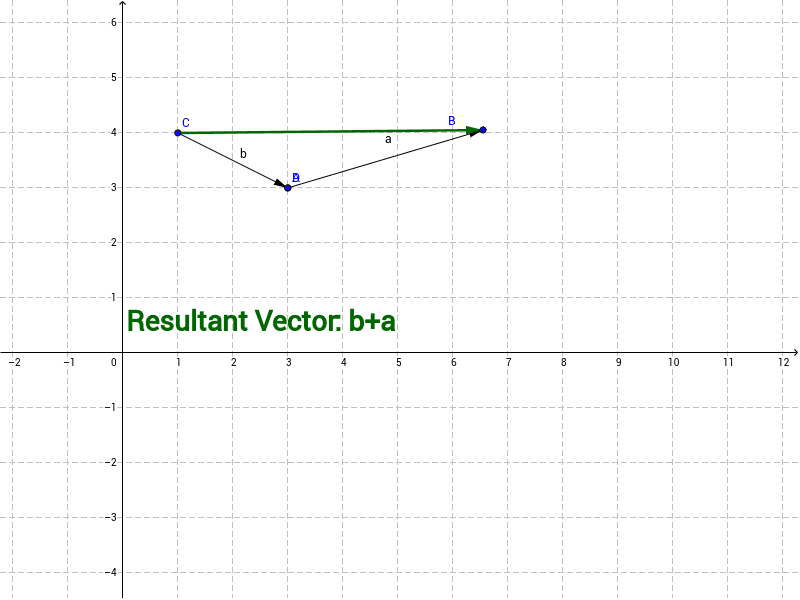
This example demonstrates vector addition using GeoGebra. Key mathematical concepts include the geometric representation and addition of vectors. By constructing vectors a and b, and their resultant vector, students can visually understand the principle of vector addition. The example uses the Vector command to create vectors and objects A and B to define the starting and ending points of the vectors. Suitable for students in middle school and above to learn basic vector concepts.
GeoGebra Commands & Parameters
Vector(A, B) → aVector(C, D) → bVector(A, D) → wVector(C, B) → z
AI Drawing Prompt Reference
Draw two vectors a and b, and their resultant vector w. First, create points A and B, then use the Vector command Vector(A, B) to draw vector a. Next, create points C and D, and use Vector(C, D) to draw vector b. Finally, connect points A and D to draw vector w, which is the sum of vectors a and b.
The prompt above was compiled from the original drawing commands and is for reference only.