
Exploring Negative Numbers with Elevator Model
Loading the math board and drawing, please wait…
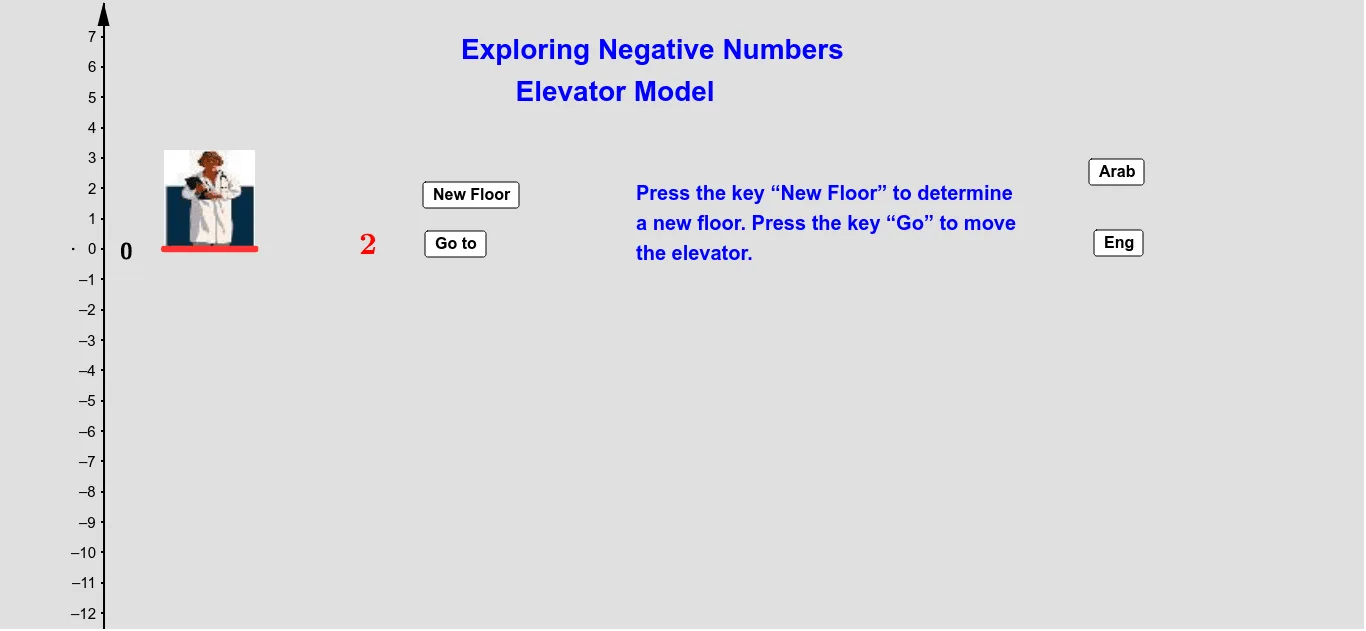
This example demonstrates the concept of negative numbers using an elevator model. It involves core mathematical concepts such as the representation and operations of negative numbers. The construction utilizes GeoGebra commands and objects like Random, Vector, OrthogonalLine, Segment, Midpoint, and Point to build the elevator model and represent negative numbers. Suitable for middle school mathematics education, helping students visually understand the application of negative numbers.
GeoGebra Commands & Parameters
Random(-9, 9) → bVector((-1, a), (-1, a + (b * Stepb))) → vOrthogonalLine(A, yAxis) → cSegment(B, A) → dMidpoint(B, A) → COrthogonalLine(B, d) → ePoint(e) → D
AI Drawing Prompt Reference
Draw an elevator model to represent negative numbers. First, generate a random number b between -9 and 9. Then, draw a vector v from point A(-1, a) to point A + b * Stepb. Next, draw a line c perpendicular to the y-axis through point A. From point B(-1, a + b * Stepb), draw a segment d to point A. Find the midpoint C of segment d, then draw a line e perpendicular to segment d through point B. Finally, find a point D on line e.
The prompt above was compiled from the original drawing commands and is for reference only.