
Triangle Rotation Tessellation Step 1
Loading the math board and drawing, please wait…
In collections
Triangle Rotation Tessellation
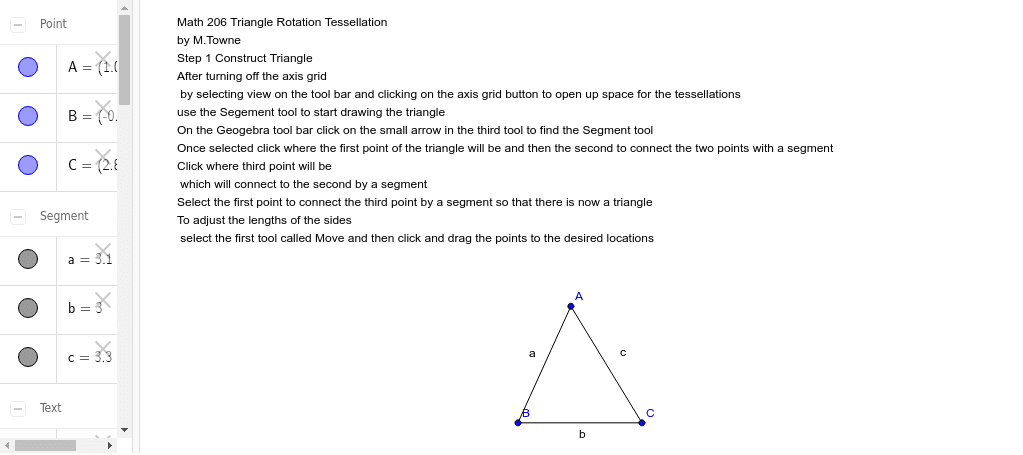
This GeoGebra example demonstrates the step-by-step construction of a triangle rotation tessellation, showing how a simple triangle can be rotated and reflected to tile the plane seamlessly. The core mathematical concepts involved are rotational symmetry, triangle congruence, geometric transformations (specifically rotations and reflections), and the algebraic structure of wallpaper groups. To construct this, the user utilizes the `Segment` command to define the vertices A, B, C and the corresponding edges a, b, c, supplemented by text labels (`text1`) to guide the construction steps. This tutorial is highly suitable for high school students, college-level geometry majors, or anyone interested in mathematical art and tessellation design, providing a hands-on visualization of group theory applications in geometry.
GeoGebra Commands & Parameters
Segment(A, B) → aSegment(B, C) → bSegment(C, A) → c