
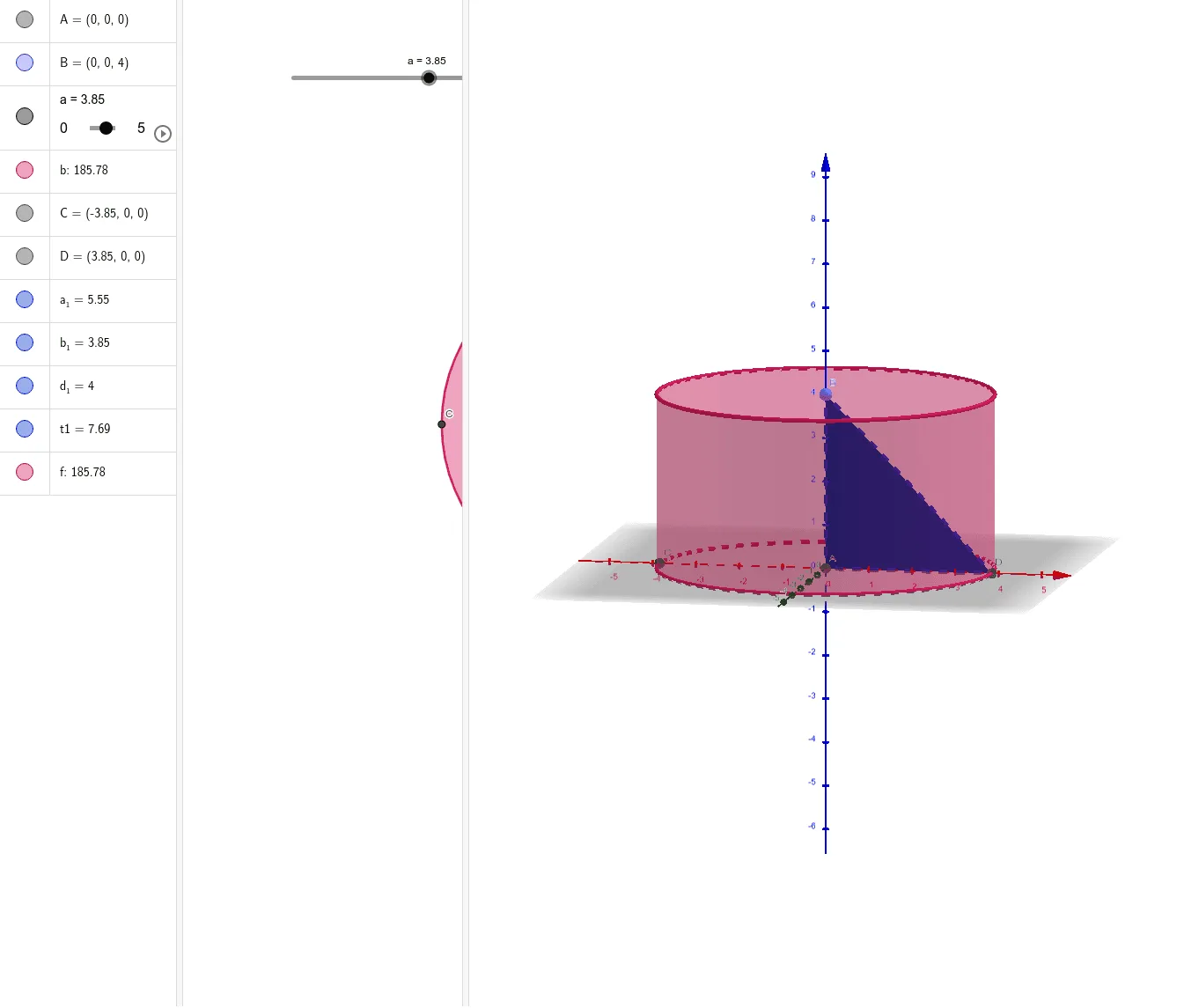
Triangle Inscribed in a Cylinder
Loading the math board and drawing, please wait…
In collections
CLASS IX CBSE MATHS ACTIVITIES
This example demonstrates how to construct a triangle inscribed within a cylinder. The core mathematical concepts involved include solid geometry, coordinate geometry, and geometric construction. Key GeoGebra commands and objects used in the construction are Intersect, Point, Cylinder, and Polygon. It is suitable for high school students learning solid geometry and coordinate geometry, as well as for math clubs' demonstrations.
GeoGebra Commands & Parameters
Intersect(yAxis, zAxis) → APoint(zAxis) → BCylinder(A, B, a) → b, c, d, eIntersect(xAxis, e) → C, DPolygon(B, A, D) → t1, d_1, b_1, a_1Cylinder(A, B, a) → f, g, h, i
AI Drawing Prompt Reference
Create a 3D figure with a cylinder in a coordinate system. Choose two key points that play the role of the cylinder’s reference endpoints: take one point as the intersection of two coordinate axes, and take another point on a coordinate axis. Use these two points together with the given cylinder parameter to construct the cylinder. Next, locate two additional points determined by intersections between a coordinate axis and positions on the cylinder side, so they serve as the remaining vertices of a triangle. Finally, draw the polygonal triangle using the two endpoint points and the two intersection-determined points, forming a triangle inscribed in the cylinder.
The prompt above was compiled from the original drawing commands and is for reference only.