
Translation Transformation by Ngan Hok Hei
Loading the math board and drawing, please wait…
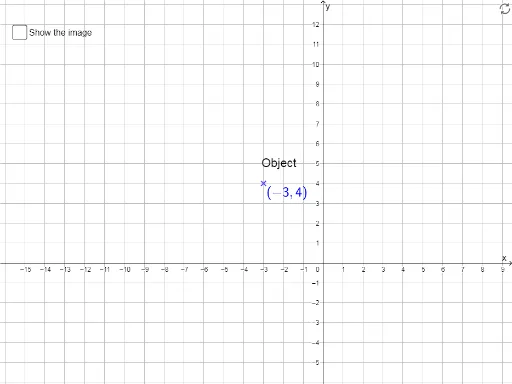
This example demonstrates the concept of translation transformation, involving the translation of isosceles triangles. Using Vector and Translate commands, the process of translating geometric figures is vividly illustrated. Key GeoGebra commands mentioned in the construction summary include Vector, Translate, Length, Midpoint, etc. Suitable for students at junior high school level and above learning geometric transformations.
GeoGebra Commands & Parameters
Vector((0, 0), (x(B), 0)) → uVector((x(B), 0), B) → vTranslate(A, Vector[u + v]) → A'LaTeX(A') → text1LaTeX(A) → text2Length(v) → aLength(u) → bMidpoint(B, (x(B), 0)) → CMidpoint((0, 0), (x(B), 0)) → DIntersect(xAxis, yAxis) → PLaTeX(A) → text5LaTeX(A') → text6If(x(B) < 0, true, false) → leftIf(y(B) < 0, false, true) → upVector(E, F) → w
AI Drawing Prompt Reference
Draw a geometric illustration showing translation transformation with two isosceles triangles, where the translation vector is obtained by adding two vectors, and highlight the positions of the original and translated triangles, label the coordinates and lengths of key points, and add text annotations at the intersection of the coordinate axes.
The prompt above was compiled from the original drawing commands and is for reference only.