
Transformations of Sine and Cosine Functions
Loading the math board and drawing, please wait…
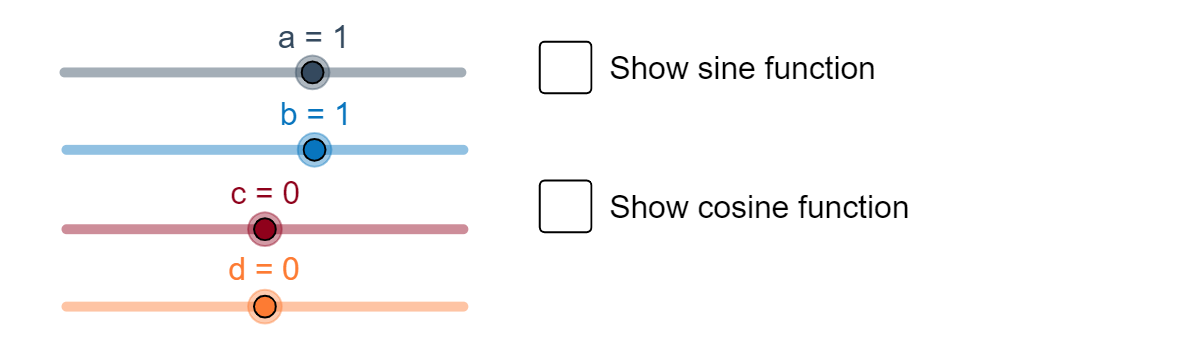
This example demonstrates how sine and cosine functions are transformed into different graphs through operations like translation and scaling. The key mathematical concepts involve trigonometric function properties, periodicity, and transformation rules. Construction involves using GeoGebra commands such as showSine, showCosine, and objects like a, b, c, d, f, g. Suitable for middle or high school mathematics teaching to understand basic transformation principles.
GeoGebra Commands & Parameters
Numeric a(1)Numeric b(1)Numeric c(0)Numeric d(0)f(x) = (a * sin((b * (x - c)))) + dg(x) = (a * cos((b * (x - c)))) + dBoolean showSine(false)Boolean showCosine(false)
AI Drawing Prompt Reference
Draw two trigonometric function graphs on the same coordinate plane using transformation-style formulas. Set the numerical parameters to a=1, b=1, c=0, d=0, then define f(x)=a*sin(b*(x-c))+d and g(x)=a*cos(b*(x-c))+d. Display only these two resulting curves together in the same view, without adding any separate baseline sine or cosine reference graphs. Construct by first fixing the parameter values, then creating f and g, and finally plotting f(x) and g(x) simultaneously.
The prompt above was compiled from the original drawing commands and is for reference only.