
Torus Construction
Loading the math board and drawing, please wait…
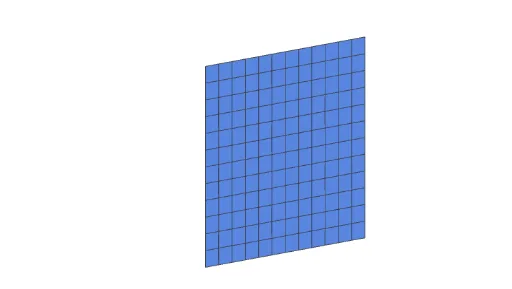
This example demonstrates how to construct a torus in GeoGebra using parametric equations. The core mathematical concepts involved include parametric equations, 3D coordinate systems, and surface plotting. Key construction elements utilize the CurveCartesian command for curve plotting, the Surface command for surface rendering, a button (button1) to control the parameter alpha, variables (a, b, c, d) to adjust the torus size and shape, the Mesh object to control mesh density, and variable e for detailed settings. Suitable for high school and above students learning spatial geometry, parametric equations, 3D graphing, calculus, and geometric transformations.
GeoGebra Commands & Parameters
CurveCartesian((2 * (1 - t)) + ((2 * cos((i * π / 4))) * t), (i * (1 - t)) + ((2 * sin((i * π / 4))) * t), 0, i, -4, 4) → aCurveCartesian(((cos(((-i) * π / 4) + π) + 3) * (t - 1)) + (2 * (1 - (t - 1))), 0, (sin(((-i) * π / 4) + π) * (t - 1)) + (i * (1 - (t - 1))), i, -4, 4) → bSurface((2 * (1 - t)) + ((2 * cos((u * π / 4))) * t), (u * (1 - t)) + ((2 * sin((u * π / 4))) * t), v, u, -4, 4, v, -4, 4) → cSurface(b, alpha, zAxis) → d