
Torus Surface Construction
Loading the math board and drawing, please wait…
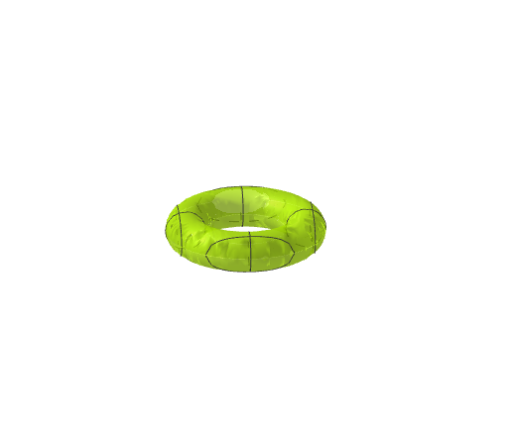
This example demonstrates how to construct a torus in 3D space using parametric equations. The core mathematical concepts involved include parametric equations, 3D analytical geometry, and surface construction. Key construction points using GeoGebra commands/objects: objects R (major radius), r (minor radius), a (transverse radius), and b (longitudinal radius). Suitable for high school and above students learning spatial geometry, parametric equations, and 3D graphing, as well as teaching applications of integration in calculus.
GeoGebra Commands & Parameters
Numeric R(0.9)Numeric r(0.3)a(x, y) = (((2 * R) * (x^(2) + y^(2))^(1 / 2)) - x^(2) - y^(2) - R^(2) + r^(2))^(1 / 2)b(x, y) = (-a(x, y))
AI Drawing Prompt Reference
Create a torus with major radius R set to 0.9 and minor radius r set to 0.3. First, calculate the transverse radius a using the formula a(x, y) = (((2 * R) * (x^2 + y^2)^(1/2)) - x^2 - y^2 - R^2 + r^2)^(1/2), then calculate the longitudinal radius b as b(x, y) = -a(x, y). Follow this order to construct the 3D shape of the torus.
The prompt above was compiled from the original drawing commands and is for reference only.