
The Seven Frieze Patterns on a Sphere
Loading the math board and drawing, please wait…
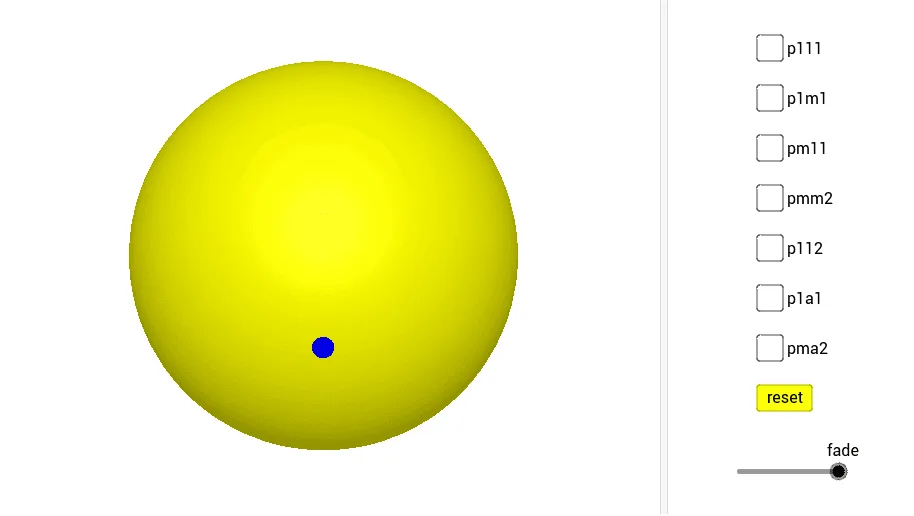
This example illustrates the seven frieze patterns on a sphere. Key mathematical concepts include geometric transformations and symmetry. Using GeoGebra commands such as Sphere, PointIn, Mirror, and Rotate, these patterns can be constructed. Suitable for high school or university students and teachers to understand spatial symmetry and geometric transformations.
GeoGebra Commands & Parameters
Sphere((0, 0, 0), 1) → aPointIn(a) → ASequence(Rotate[A, ((w * 2) * π / 8)], w, 1, 8) → L_1Mirror(A, z = 0) → A'Sequence(Rotate[A, ((w * 2) * π / 8)], w, 1, 8) → L_2Sequence(Rotate[A', ((w * 2) * π / 8)], w, 1, 8) → L_3Mirror(A, y = 0) → BSequence(Rotate[A, ((w * 2) * π / 8)], w, 1, 8) → L_4Sequence(Rotate[B, ((w * 2) * π / 8)], w, 1, 8) → L_5Mirror(A, z = 0) → CMirror(A, y = 0) → DMirror(C, y = 0) → ESequence(Rotate[A, ((w * 2) * π / 8)], w, 1, 8) → L_6Sequence(Rotate[C, ((w * 2) * π / 8)], w, 1, 8) → L_7Sequence(Rotate[D, ((w * 2) * π / 8)], w, 1, 8) → L_8Sequence(Rotate[E, ((w * 2) * π / 8)], w, 1, 8) → L_9Rotate(A, π, xAxis) → FSequence(Rotate[A, ((w * 2) * π / 8)], w, 1, 8) → L_{10}Sequence(Rotate[F, ((w * 2) * π / 8)], w, 1, 8) → L_{11}Mirror(Rotate[A, (2 * π / 16)], z = 0) → GSequence(Rotate[A, ((w * 2) * π / 8)], w, 1, 8) → L_{12}Sequence(Rotate[G, ((w * 2) * π / 8)], w, 1, 8) → L_{13}Mirror(A, y = 0) → HMirror(Rotate[A, (2 * π / 16)], z = 0) → IMirror(Rotate[H, (2 * π / 16)], z = 0) → JSequence(Rotate[A, ((w * 2) * π / 8)], w, 1, 8) → L_{14}Sequence(Rotate[H, ((w * 2) * π / 8)], w, 1, 8) → L_{15}Sequence(Rotate[I, ((w * 2) * π / 8)], w, 1, 8) → L_{16}Sequence(Rotate[J, ((w * 2) * π / 8)], w, 1, 8) → L_{17}
AI Drawing Prompt Reference
Draw a unit sphere and construct seven frieze patterns on it. Start by creating a point A at the center of the sphere and rotate it to generate 8 points, forming the first pattern. Then mirror point A to create A', and rotate A' to generate the second pattern. Continue with mirroring and rotating to create the remaining five patterns. Finally, use rotation and mirroring to generate the last two patterns.
The prompt above was compiled from the original drawing commands and is for reference only.