
Tessellation from Triangle (Intro)
Loading the math board and drawing, please wait…
In collections
Tessellation from Triangle using Rotation
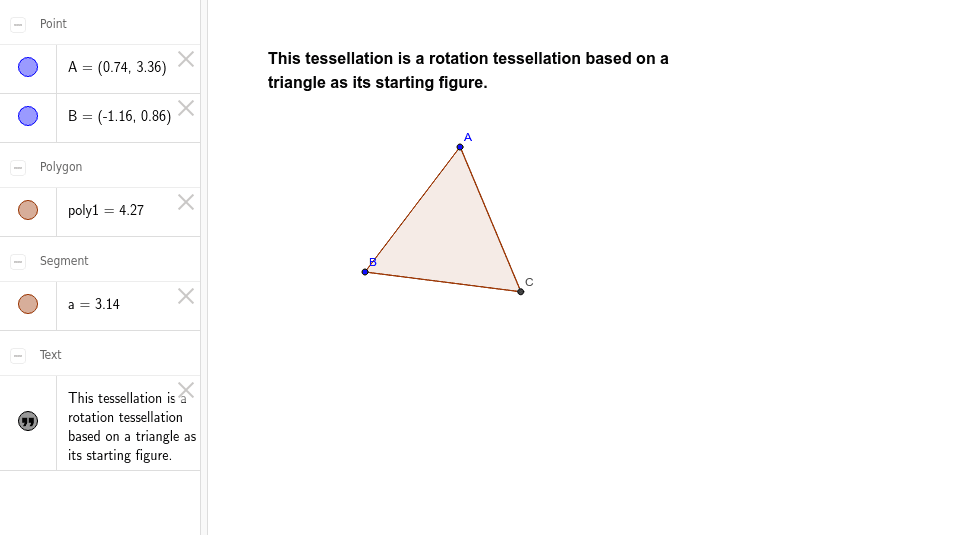
This example demonstrates how to construct plane tessellations using triangle rotations. Core math concepts include rotation, geometric construction, and polygon creation. It uses GeoGebra commands like Polygon and objects such as text1, A, B, poly1, a, b, c, C to represent points and shapes. Suitable for middle school and above students learning geometric transformations and tessellation techniques.
GeoGebra Commands & Parameters
Polygon(A, B, 3) → poly1, a, b, c, C
AI Drawing Prompt Reference
Create a plane tessellation using triangle rotations. Start by creating three points A, B, and C, then construct a triangle using these points. Next, rotate this triangle around points A, B, and C to generate new triangles, forming a repeating pattern that covers the entire plane.
The prompt above was compiled from the original drawing commands and is for reference only.