
Subtraction of Directed Numbers - Practice by Patrick Chung
Loading the math board and drawing, please wait…
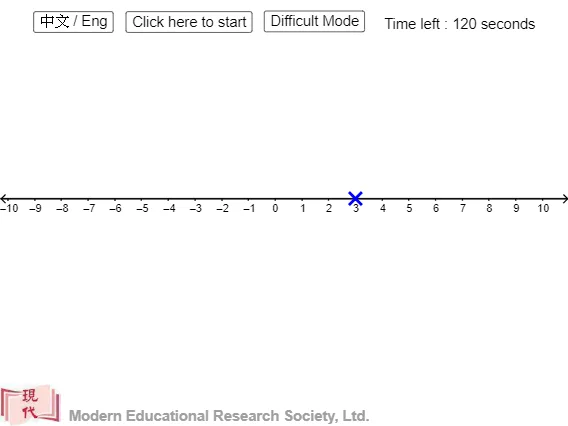
This example demonstrates the subtraction of directed numbers, involving key mathematical concepts such as directed number operations. Using commands like Point, If, Sequence, etc., from the construction summary, one can understand how to perform directed number subtraction practice in GeoGebra. Suitable for middle school and above students or teachers.
GeoGebra Commands & Parameters
Point(xAxis) → BIf(x(B) - x(A) > 0, "+", "") → sign2If(x(B) - x(A) < 0, "+", "") → sign3If(x(A) > 0, "+", "") → signaIf(x(B) - x(A) > 0, "+", "") → signbaIf(x(B) > x(A), "+", "-") → op2If(x(B) > 0, "+", "") → signbSequence(Vector[(((k + x(A) - 0.05) * dis), 0.3), (((k + x(A)) * dis), 0.1)], k, 1, Div[x(B) - x(A), dis]) → l2Sequence(Vector[(((x(A) - k + 0.05) * dis), 0.3), (((x(A) - k) * dis), 0.1)], k, 1, Div[x(A) - x(B), dis]) → l4Corner(1) → CIf(num0 > 0, "+", "") → sign0If(num1 > 0, "+", "") → sign1Sequence(Semicircle[(((k - 0.9 + x(A)) * dis), 0.1), (((k + x(A)) * dis), 0.1)], k, 1, Div[x(B) - x(A), dis]) → l1Sequence(Semicircle[(((x(A) - k) * dis), 0.1), (((x(A) + 0.9 - k) * dis), 0.1)], k, 1, Div[x(A) - x(B), dis]) → l3
AI Drawing Prompt Reference
Draw a number line with two points representing the minuend and subtrahend, and show their difference. Use directed arrows from the minuend to the subtrahend: if the difference is positive, arrows point right with a plus sign; if negative, point left with a minus sign. Above the axis, connect unit steps with semicircular arcs to form a continuous arrow for each unit moved. Below the axis, draw parallel small arrows for the reverse direction. Label each point with its sign and show the operation sign near the difference. The result is a clear visual practice for directed number subtraction.
The prompt above was compiled from the original drawing commands and is for reference only.