
Sphere Construction Demo
Loading the math board and drawing, please wait…
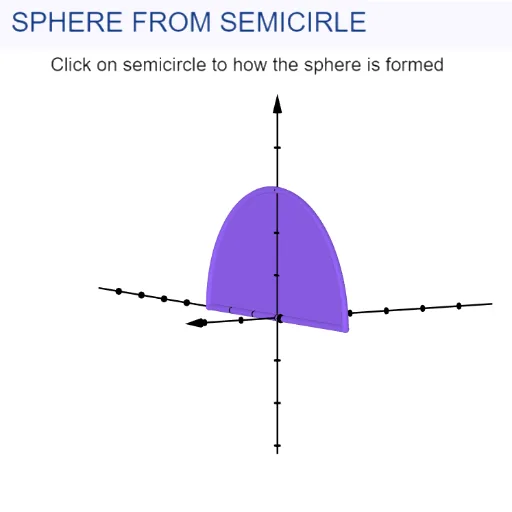
This example demonstrates how to construct a sphere and its related elements using GeoGebra. Key math concepts include solid geometry, sphere volume calculation, and 3D spatial points and rotations. Construction highlights from the summary involve commands like Intersect, Point, CircleSector, and Rotate. Suitable for high school and above students/staff learning about solid geometry, spatial constructions, and sphere-related knowledge.
GeoGebra Commands & Parameters
Intersect(xAxis, yAxis) → APoint(xAxis) → BPoint(xAxis) → CCircleSector(A, B, C) → cRotate(c, α, xAxis) → c'
AI Drawing Prompt Reference
In 3D space, start with a horizontal axis and a vertical axis as the coordinate reference. Compute their intersection to obtain a key point, then pick two distinct points on the horizontal axis. Using these three points, construct a sector of a circle that lies in the plane determined by the reference point and the two axis points. Finally, rotate this circle sector around the horizontal axis by a chosen angle to produce the rotated surface and the corresponding related geometric elements, forming a sphere-construction style spatial diagram.
The prompt above was compiled from the original drawing commands and is for reference only.