
Solving Simple Linear Equations Using the Balance Concept
Loading the math board and drawing, please wait…
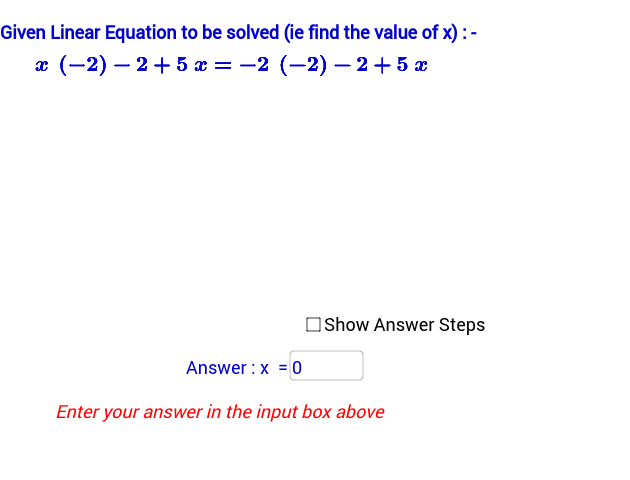
This GeoGebra applet demonstrates the step-by-step solution of simple linear equations by applying the balance concept, showing that performing the same operation on both sides of an equation preserves equality. Core mathematical concepts include linear equations in one variable, properties of equality, inverse operations, and solution verification. The construction uses GeoGebra commands such as Random, RandomElement, If, and Textfield, together with objects like showsteps, display, f, g, r0, r1, r2, r3, textStartEqn, textOperationBothSides1/2/3, textEqnafterOperation1/2, textFinalStep, answerx, inputBox1, correct, textFeedbackonAnswer, step, stepsvalue, and textStepNumberDisplay to generate random problems, display intermediate equation states, and provide immediate answer feedback. It is suitable for middle school algebra instruction, classroom demonstration, or self-directed student practice.
GeoGebra Commands & Parameters
Random(-5, 5) → r0RandomElement({-9, -8, -7, -6, -5, -4, -3, -2, -1, 1, 2, 3, 4, 5, 6, 7, 8, 9, 10, 11, 12}) → r1RandomElement({-9, -8, -7, -6, -5, -4, -3, -2, -1, 1, 2, 3, 4, 5, 6, 7, 8, 9, 10, 11, 12}) → r2RandomElement({-9, -8, -7, -6, -5, -4, -3, -2, -1, 1, 2, 3, 4, 5, 6, 7, 8, 9, 10, 11, 12}) → r3If(showsteps ≟ true, 10 - display, 1) → stepTextfield(answerx) → inputBox1If(answerx ≟ g(0), 1, 0) → correctIf(showsteps ≟ true, 10, 1) → stepsvalue