
Inverse Proportionality in Work Efficiency Problems
Loading the math board and drawing, please wait…
In collections
Indirekte Proportionalität
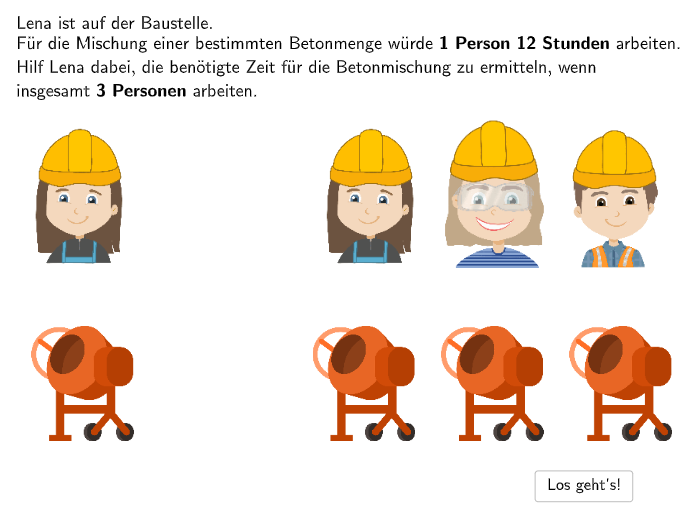
This example demonstrates inverse proportionality through three real-life scenarios: 1) Hannah and Alex painting a fence together takes 1.5 days—how long would Alex take alone? 2) If twice as many trucks remove soil, how much time is needed? 3) Why can't 6 excavators finish in 1 hour what 1 excavator does in 6 hours? The core math concept is recognizing and applying inverse proportionality (indirect proportionality). Construction: Uses GeoGebra DropDown menus for scenario selection, Textfield for student input, Sequence for generating options, Index for handling choice indexing, and Button elements for interactive control. Suitable for Grade 5-6 students to understand ratio relationships and develop skills in identifying inverse proportional situations.
GeoGebra Commands & Parameters
SelectedIndex(DropDown4) → Index4SelectedIndex(DropDown3) → Index3SelectedIndex(DropDown2) → Index2SelectedIndex(OpZeichen1) → IndexOp1SelectedIndex(OpZeichen2) → IndexOp2SelectedIndex(OpZeichen3) → IndexOp3SelectedIndex(DropDown1) → Index1Midpoint(TableE1, TableE4) → LMidpoint(TableE2, TableE3) → MSequence(TableE1 + (Vector[TableE1, TableE2] * i / 6), i, 0, 6) → TablePointsLSequence(TableE4 + (Vector[TableE1, TableE2] * i / 6), i, 0, 6) → TablePointsRTextfield(input1) → InputBox1Midpoint(TablePointsL(2), TablePointsL(3)) → TL1Midpoint(TablePointsL(3), TablePointsL(4)) → TL2Textfield(input2) → InputBox2Textfield(input3) → InputBox3Textfield(input4) → InputBox4Textfield(input5) → InputBox5Textfield(input6) → InputBox6Midpoint(TablePointsR(2), TablePointsR(3)) → TR1Midpoint(TablePointsR(3), TablePointsR(4)) → TR2Midpoint(TablePointsL(4), TablePointsL(5)) → TL3Midpoint(TablePointsR(4), TablePointsR(5)) → TR3Midpoint(TablePointsL(5), TablePointsL(6)) → TL4Midpoint(TablePointsL(6), TablePointsL(7)) → TL5Midpoint(TablePointsR(5), TablePointsR(6)) → TR4Midpoint(TablePointsR(6), TablePointsR(7)) → TR5Semicircle(TL2, TL1) → aSemicircle(TR1, TR2) → bDistance(IMG_1, IMG_2) → c
AI Drawing Prompt Reference
Create an interactive diagram showing inverse proportionality with three dropdown menus for different work scenarios, text boxes for input, and sliders for control. Display two symmetric sets of points connected by line segments to form polygons, with semicircles drawn in the middle. Connect the midpoints of the points sequentially to form two curves, and use a distance measurement tool to indicate key lengths.
The prompt above was compiled from the original drawing commands and is for reference only.