
Solving Quadratic Equations with the Formula
Loading the math board and drawing, please wait…
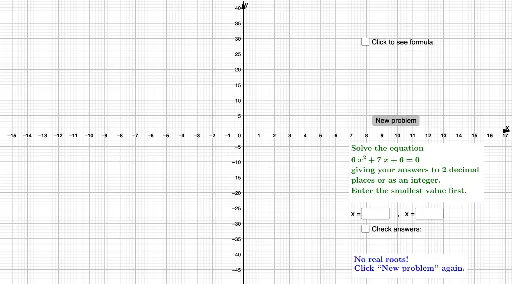
This example demonstrates solving quadratic equations using the quadratic formula, visualizing the solution process. Key math concepts include quadratic equations, discriminant, and the quadratic formula. Constructed with GeoGebra commands like RandomElement, Random, Root, Text, Textfield, If, and objects such as list, a, b, c, f, button1. Suitable for middle school and above students to understand and apply quadratic equation solving methods.
GeoGebra Commands & Parameters
RandomElement(list) → aRandom(-12, 12) → bRandom(-12, 12) → cRoot(f) → A, BText(d) → text1Text(e) → text2Textfield(g) → InputBox1Textfield(h) → InputBox2If(i ≟ true ∧ j ≟ true, "Correct!", "No. Try again.") → text4
AI Drawing Prompt Reference
Visualize solving quadratic equations with the quadratic formula by randomly generating coefficients a, b, c, plotting the corresponding quadratic function, marking the x-intercepts, displaying the discriminant and formula results, and including input boxes for users to verify the correctness of the solutions.
The prompt above was compiled from the original drawing commands and is for reference only.