
Solving Linear Inequalities Practice
Loading the math board and drawing, please wait…
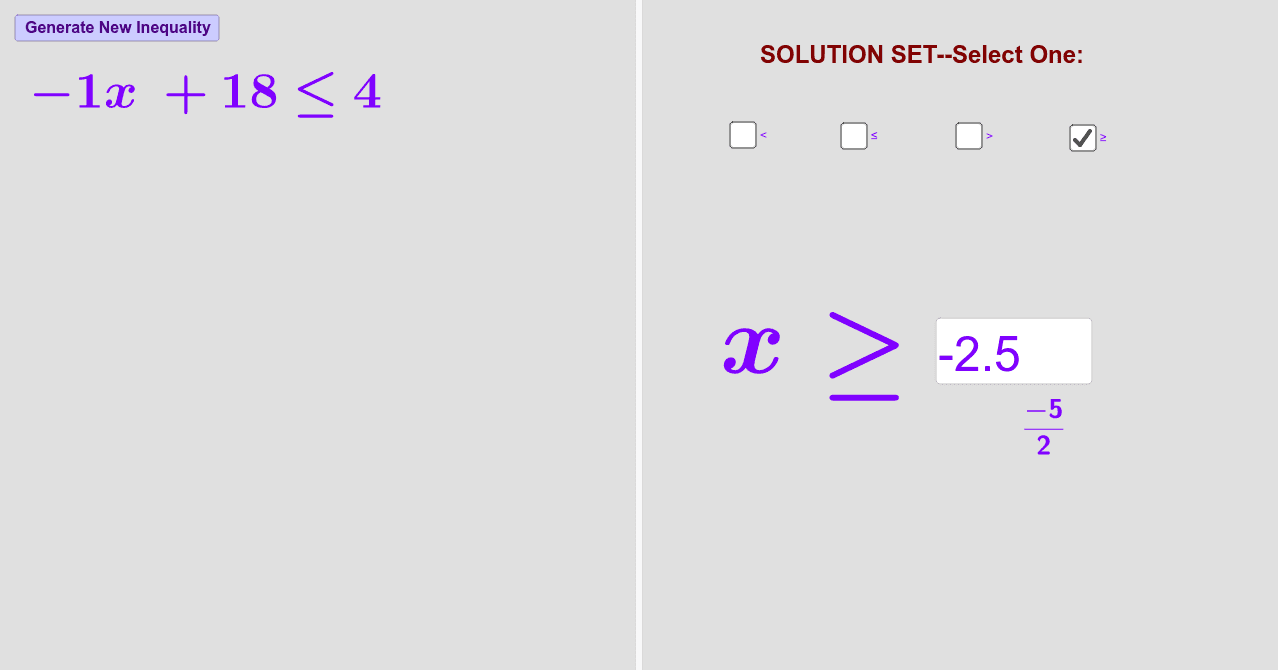
This example demonstrates solving linear inequalities, focusing on the solution set. Using GeoGebra commands such as Random, Sequence, and Union, students can practice solving and verifying their answers. Suitable for middle school and above students to practice inequality solution sets.
GeoGebra Commands & Parameters
Random(1, 4) → wSequence(i, i, -20, -1) → list1Sequence(i, i, 1, 20) → list2Union(list1, list2) → list3RandomElement(list3) → aSequence(i, i, -20, 20) → list4RandomElement(list4) → bRandomElement(list4) → cRandom(1, 4) → sliderTextfield(d) → InputBox1FractionText(d) → text11
AI Drawing Prompt Reference
Draw a graph of the solution set for a randomly generated linear inequality. First, generate a random number w between 1 and 4. Then, create two sequences, list1 and list2, containing integers from -20 to -1 and 1 to 20, respectively. Combine these into list3. Next, randomly select a number from list3 as a, and two numbers from the -20 to 20 sequence as b and c. Finally, based on the value of w, create a linear inequality and display its solution set on the graph.
The prompt above was compiled from the original drawing commands and is for reference only.