
Solving Linear Equations with General Strategy
Loading the math board and drawing, please wait…
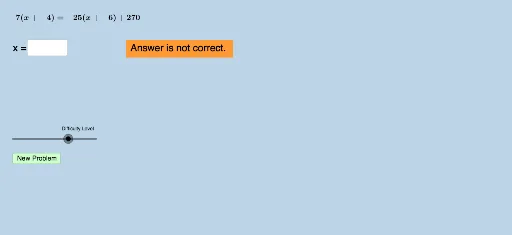
This example demonstrates solving linear equations using a general strategy. Key mathematical concepts include methods for solving linear equations. Using GeoGebra commands such as Union and RandomElement, dynamic generation and solving of linear equations are achieved. Suitable for students at the junior high school level and above.
GeoGebra Commands & Parameters
Union(list1, list2) → list3RandomElement(list3) → aSequence(i, i, a + 1, 35, 1) → listrightSequence(i, i, -35, a - 1, 1) → listleftUnion(listleft, listright) → listeRandomElement(list3) → bRandom(-30, 30) → wRandomElement(liste) → eRandomElement(liste) → mRandomElement(list3) → nRandomElement(list3) → pRandomElement(list3) → qTextfield(varx) → InputBox6Sequence(i, i, -35, 35, 0.5) → list5
AI Drawing Prompt Reference
Dynamically generate and display the process of solving linear equations in a coordinate system, including merging elements from two lists to create a new list, randomly selecting elements as variable coefficients, generating sequences for both sides and merging them, then randomly choosing elements from the new list as constant terms and variables of the equation, finally showing the variable in an input box and drawing a continuous curve containing multiple points to illustrate the solution set of the equation.
The prompt above was compiled from the original drawing commands and is for reference only.