
Sine and Cosine Table
Loading the math board and drawing, please wait…
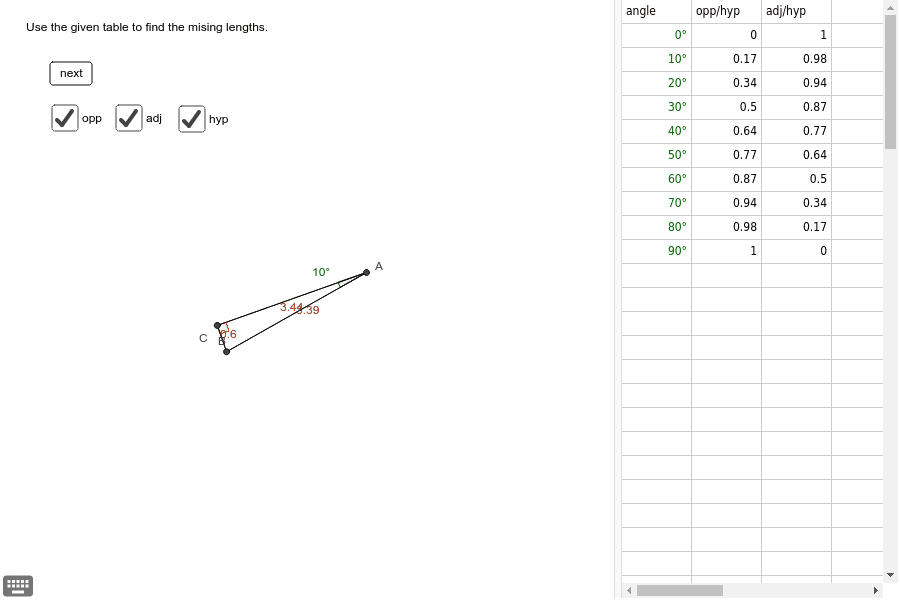
This example demonstrates the use of sine and cosine tables. By constructing points on a circle and their corresponding sine and cosine values, it helps students understand the basic concepts of trigonometric functions. Commands used include Circle, Rotate, Mirror, Polygon, Angle, and Segment. Suitable for high school mathematics education.
GeoGebra Commands & Parameters
RandomElement({-1, 1}) → kCircle(O, r / 2) → cRotate(P, ((random() * 360))°, O) → AMirror(A, O) → BRotate(B, ((2 * t) * k), O) → CPolygon(A, B, C) → poly1, c_1, a, bAngle(B, A, C) → αAngle(A, C, B) → βSegment(A, B) → dSegment(B, C) → eSegment(C, A) → f