
Sine and Cosine Graphing Template by Tim Brzezinski
Loading the math board and drawing, please wait…
In collections
Sine and Cosine Graphing Templates
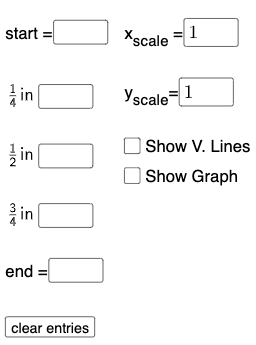
This example demonstrates the graphing of sine and cosine functions. Key mathematical concepts include trigonometry, function graphing, and coordinate geometry. Construction involves GeoGebra commands like Textfield, Point, FitSin, and objects such as eq1 to eq10. Suitable for high school students or math enthusiasts to learn about function graphs and trigonometric properties.
GeoGebra Commands & Parameters
Textfield(start) → InputBox1Textfield(end) → InputBox2Textfield(k1) → InputBox3Textfield(k2) → InputBox4Textfield(k3) → InputBox5Point(eq6) → APoint(eq7) → BPoint(eq8) → CPoint(eq9) → DTextfield(a) → InputBox6Textfield(b) → InputBox7Point(eq10) → EPoint(eq7) → FFitSin({A, C, D, E, F}) → f
AI Drawing Prompt Reference
Create a graph in one coordinate plane showing a sine-function fit curve. Set up inputs for the x-axis start and end, parameters k1, k2, k3, and coefficients a and b. Use these values to generate several discrete points that serve as sample locations. Plot the specific set of points chosen for fitting (a subset of the generated points, including the ones used together in the fitting set). Finally, fit a sine function to those plotted points and display the resulting smooth sine curve, reflecting the overall trig pattern implied by the constraints.
The prompt above was compiled from the original drawing commands and is for reference only.