
Sine and Cosine Graphing Template by Tim Brzezinski (3)
Loading the math board and drawing, please wait…
In collections
Sine and Cosine Graphing Templates
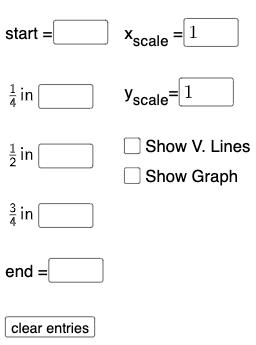
This example demonstrates the graphs of sine and cosine functions. Key mathematical concepts include trigonometric functions and function graphs. Using GeoGebra commands such as Textfield, Point, FitSin, etc., you can dynamically adjust function parameters and observe changes in the graph. Suitable for high school mathematics education and learning.
GeoGebra Commands & Parameters
Textfield(start) → InputBox1Textfield(end) → InputBox2Textfield(k1) → InputBox3Textfield(k2) → InputBox4Textfield(k3) → InputBox5Point(eq6) → APoint(eq7) → BPoint(eq8) → CPoint(eq9) → DTextfield(a) → InputBox6Textfield(b) → InputBox7Point(eq10) → EPoint(eq7) → FFitSin({A, C, D, E, F}) → f
AI Drawing Prompt Reference
Create a coordinate system showing sine and cosine function graphs. Include several input fields to adjust the starting angle, ending angle, three phase parameters, and two amplitude parameters. Place five key points on the graph, with four lying on the function curves and one auxiliary point. Based on these points, automatically generate a smooth sine fitting curve that updates dynamically as parameters change. The graph illustrates periodicity, amplitude, and phase shifts of trigonometric functions, suitable for high school teaching demonstrations.
The prompt above was compiled from the original drawing commands and is for reference only.