
Sine and Cosine Graphing Template by Tim Brzezinski (2)
Loading the math board and drawing, please wait…
In collections
Sine and Cosine Graphing Templates
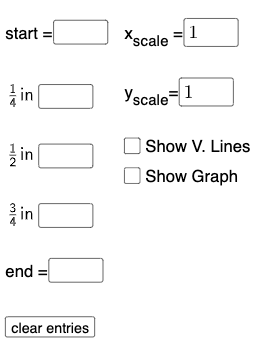
This example demonstrates the graphing of sine and cosine functions, highlighting their properties such as symmetry and periodicity. It involves core math concepts like trigonometric functions and function graphs. The construction uses GeoGebra commands like Textfield, Point, and FitSin, along with InputBoxes and Sliders for dynamic parameter adjustments. Ideal for high school mathematics education, focusing on function graphing, property exploration, and parameter influence analysis.
GeoGebra Commands & Parameters
Textfield(start) → InputBox1Textfield(end) → InputBox2Textfield(k1) → InputBox3Textfield(k2) → InputBox4Textfield(k3) → InputBox5Point(eq6) → APoint(eq7) → BPoint(eq8) → CPoint(eq9) → DTextfield(a) → InputBox6Textfield(b) → InputBox7Point(eq10) → EPoint(eq7) → FFitSin({A, C, D, E, F}) → f
AI Drawing Prompt Reference
Create a sine function graphing template with adjustable parameter input boxes for entering values like amplitude, frequency, and phase. Plot several control points on the coordinate system that lie on the function curve to define the shape and position of the sine function. Then fit these control points to generate a smooth sine curve that demonstrates the symmetry and periodicity of trigonometric functions.
The prompt above was compiled from the original drawing commands and is for reference only.