
Sine and Cosine Friendly Graphing Template
Loading the math board and drawing, please wait…
In collections
Sine and Cosine Graphing Templates
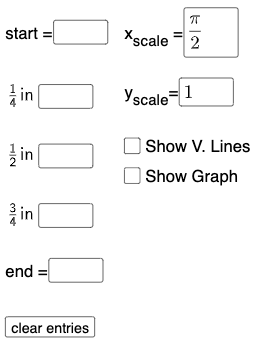
This example demonstrates the graphs of sine and cosine functions, involving core trigonometric concepts. Using GeoGebra commands such as Textfield, Point, and FitSin, you can dynamically adjust parameters to observe changes in the function graphs. Suitable for high school mathematics education and learning, particularly for topics related to trigonometric functions and function graphs.
GeoGebra Commands & Parameters
Textfield(start) → InputBox1Textfield(end) → InputBox2Textfield(k1) → InputBox3Textfield(k2) → InputBox4Textfield(k3) → InputBox5Point(eq6) → APoint(eq7) → BPoint(eq8) → CPoint(eq9) → DTextfield(a) → InputBox6Textfield(b) → InputBox7Point(eq10) → EPoint(eq7) → FFitSin({A, C, D, E, F}) → fSurdText(k2 / π) → text1SurdText(x(A) / π) → text4SurdText(k1 / π) → text6SurdText(x(E) / π) → text8SurdText(x(F) / π) → text10
AI Drawing Prompt Reference
Plot sine and cosine curves on a coordinate system, include input fields to adjust parameters k1, k2, k3, a, b and the start and end x-values. Place several points on the curves, and show their x-coordinates as multiples of π. Choose five of these points and fit a sine wave through them. Display text labels next to the graph showing the ratios of the parameters and the x-coordinates to π.
The prompt above was compiled from the original drawing commands and is for reference only.