
Sine and Cosine Friendly Graphing Template by Tim Brzezinski (3)
Loading the math board and drawing, please wait…
In collections
Sine and Cosine Graphing Templates
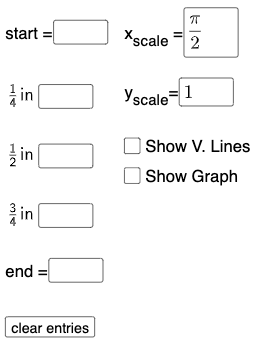
This example demonstrates the graphing of sine and cosine functions. Key mathematical concepts include trigonometric functions, function graphs, and geometric transformations. Construction involves GeoGebra commands such as Textfield, Point, FitSin, and SurdText. Suitable for high school or university mathematics courses to learn graphing techniques for trigonometric functions.
GeoGebra Commands & Parameters
Textfield(start) → InputBox1Textfield(end) → InputBox2Textfield(k1) → InputBox3Textfield(k2) → InputBox4Textfield(k3) → InputBox5Point(eq6) → APoint(eq7) → BPoint(eq8) → CPoint(eq9) → DTextfield(a) → InputBox6Textfield(b) → InputBox7Point(eq10) → EPoint(eq7) → FFitSin({A, C, D, E, F}) → fSurdText(k2 / π) → text1SurdText(x(A) / π) → text4SurdText(k1 / π) → text6SurdText(x(E) / π) → text8SurdText(x(F) / π) → text10
AI Drawing Prompt Reference
Draw graphs of sine and cosine functions, showing key points, fitted curves, and text labels, start by creating input boxes for parameters, then generate points and fit a sine curve, finally add text labels for parameters and coordinates, presenting the relationship between function graphs and geometric transformations.
The prompt above was compiled from the original drawing commands and is for reference only.