
Self-Test on Classification of Numbers: Natural, Integer, Rational, Real, Comple
Loading the math board and drawing, please wait…
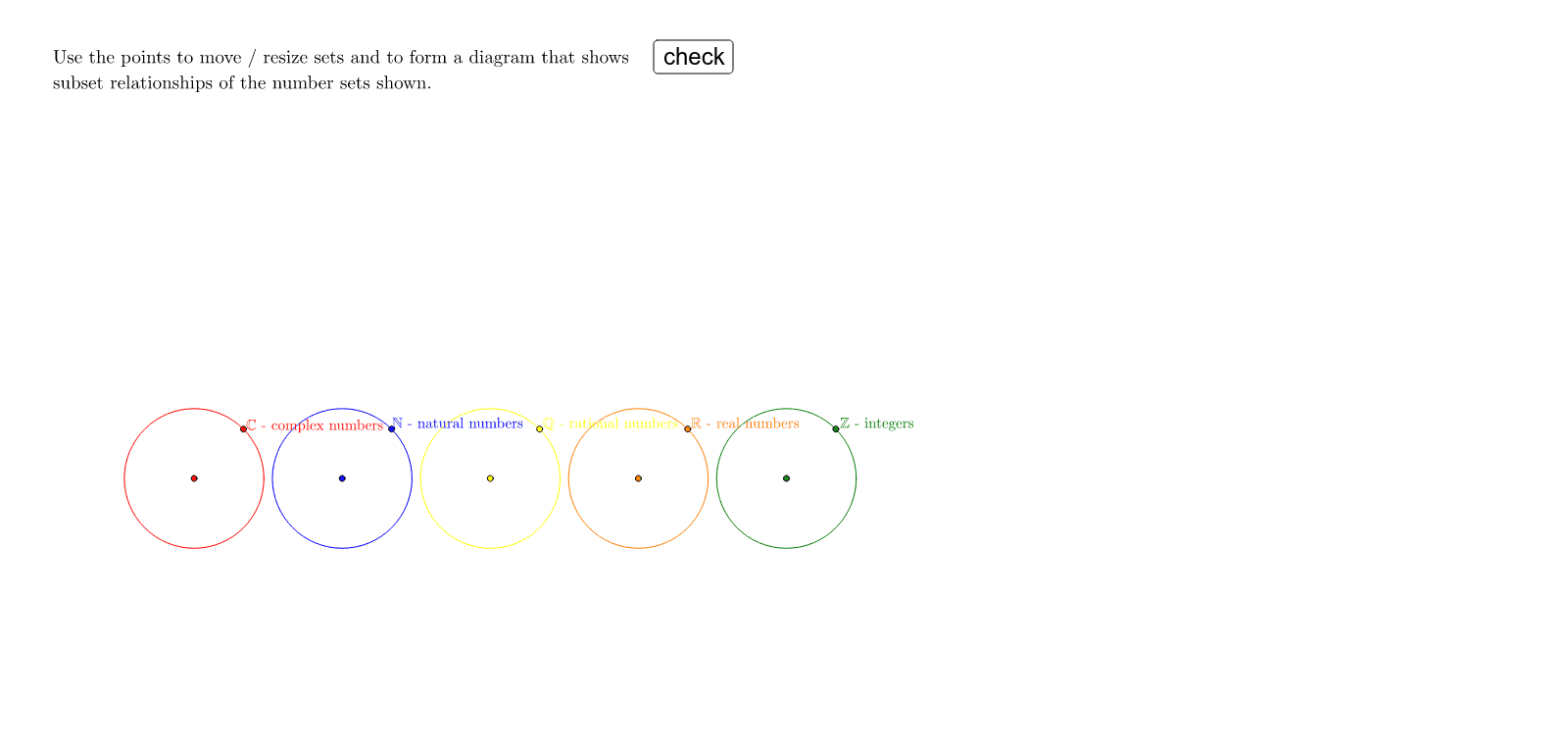
This interactive GeoGebra example is a self-test tool for classifying numbers into different sets: natural numbers (N), integers (Z), rational numbers (Q), real numbers (R), and complex numbers (C). It visually demonstrates the hierarchical inclusion of number sets using nested circles or regions, helping learners understand which numbers belong to which category. The construction uses GeoGebra commands such as Point, Circle, If, Length, and Midpoint to create the circular regions and dynamic text labels (textN, textZ, textQ, textR, textC) that display the classification result. Interactive elements like step2, mark, correct1, and wrong1 provide immediate feedback for self-assessment. This resource is suitable for middle school and high school students learning number systems, and can be used for classroom practice or individual review.
GeoGebra Commands & Parameters
Point(Line[CC, y = x]) → CPCircle(CC, CP) → circCPoint(Line[RC, y = x]) → RPCircle(RC, RP) → circRPoint(Line[QC, y = x]) → QPCircle(QC, QP) → circQPoint(Line[ZC, y = x]) → ZPCircle(ZC, ZP) → circZPoint(Line[NC, y = x]) → NPCircle(NC, NP) → circNIf(step2, 0, 1) → jedLength(name1) → lng1Length(name2) → lng2Midpoint(Corner[noq5, 1], Corner[noq5, 3]) → MM
AI Drawing Prompt Reference
This is a graphic for testing number classification, containing five nested circular regions representing natural numbers, integers, rational numbers, real numbers, and complex numbers. The regions expand from the inside out to show their inclusion relationships. Dynamic text labels display classification results, and interactive elements like step markers and feedback buttons help users self-assess. The construction order is from the inside out, drawing each circular region and adding labels and interactive elements.
The prompt above was compiled from the original drawing commands and is for reference only.