
GeoGebra Linear Equations Exploration by Tim Brzezinski
Loading the math board and drawing, please wait…
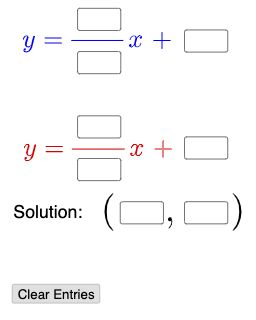
This example demonstrates the relationship between linear equation sets and their graphs through interactive exploration; core math concepts include linear equations, function graphs, and geometric meaning of solutions; constructed using commands like Textfield, Mode, If, and objects such as InputBoxes and Sliders for dynamic input and adjustment; suitable for high school mathematics teaching to understand solution determination and parameter effects.
GeoGebra Commands & Parameters
Textfield(a) → InputBox1Textfield(b) → InputBox2Textfield(c) → InputBox3Textfield(d) → InputBox4Textfield(e) → InputBox5Textfield(f) → InputBox6Textfield(g) → InputBox7Textfield(h) → InputBox8Textfield(i) → InputBox9Textfield(j) → InputBox10Mode(l1) → l2If(Length[l2] ≟ 0, "No digits repeat.", "Repeated digits exist.") → text4
AI Drawing Prompt Reference
Place a single interactive scene with ten numeric input boxes for the parameters a through j. Include a switchable mode or input state that determines which condition is evaluated for the current parameters. Add a visible text readout that checks whether the length of the selected mode’s computed digit string equals 0; if it is 0, display “No digits repeat.” Otherwise, display “Repeated digits exist.” Let users update the inputs and the mode to see the message change dynamically.
The prompt above was compiled from the original drawing commands and is for reference only.