
Trigonometric Equations Demo
Loading the math board and drawing, please wait…
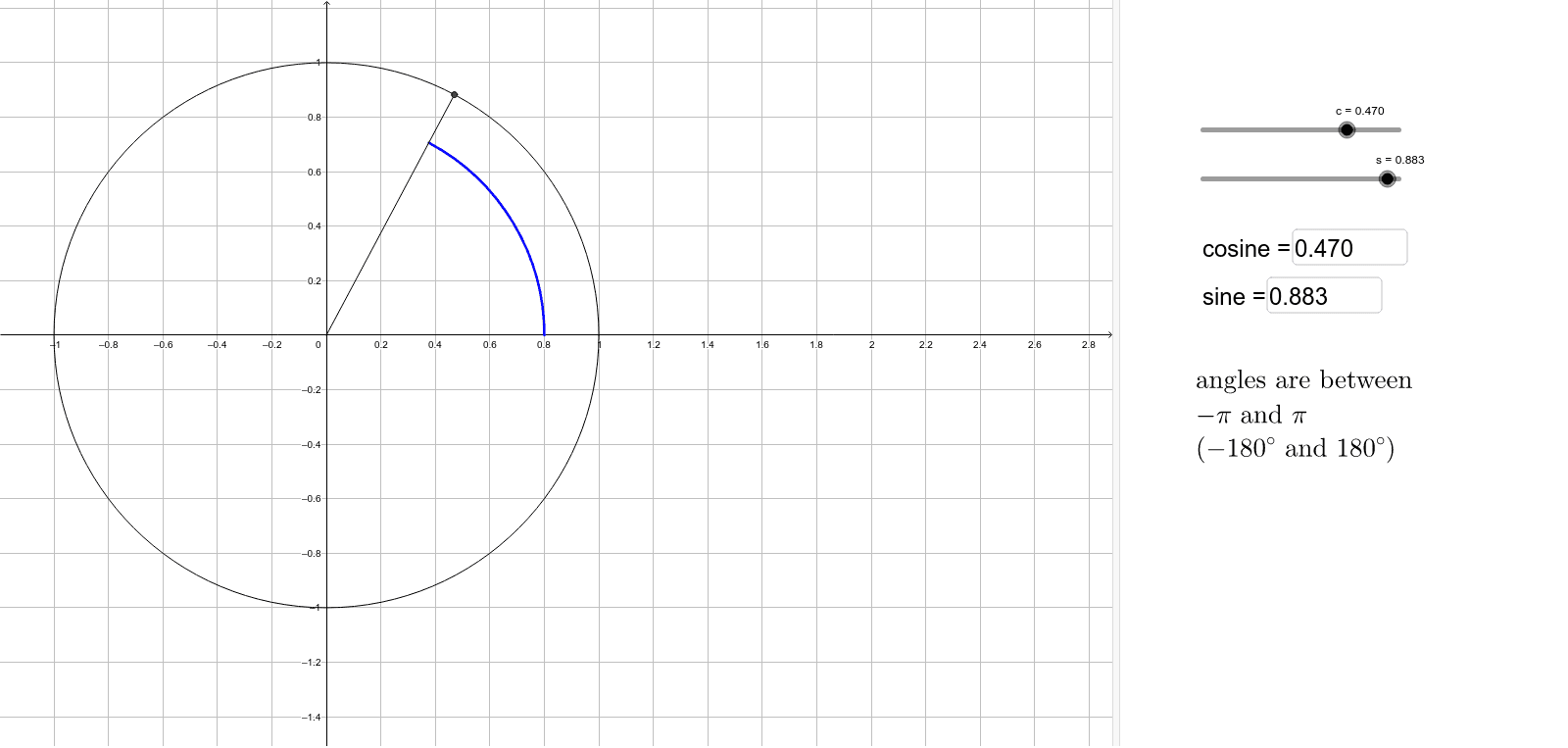
This example dynamically demonstrates trigonometric equations by visualizing points, arcs, and trigonometric lines on the unit circle, providing an intuitive understanding of the solutions. It involves core concepts like trigonometric functions, unit circle, cosine law, sine law, and angle calculations. The construction uses GeoGebra commands: Circle, Segment, Arc, If, Textfield. Suitable for high school and above students to grasp the geometric meaning and solving methods of trigonometric equations.
GeoGebra Commands & Parameters
Circle((0, 0), 1) → dSegment(P, Pc) → segmcosSegment(P, Ps) → segmsinSegment((0, 0), P) → radPSegment((0, 0), Pc) → radPcSegment((0, 0), Ps) → radPsCircle((0, 0), 0.8) → eArc(e, (0, 0), P) → arcPaboveCircle((0, 0), 0.7) → fArc(f, (0, 0), Ps) → arcPsaboveArc(e, P, (0, 0)) → arcPbelowArc(f, Pc, (0, 0)) → arcPcaboveArc(f, Ps, (0, 0)) → arcPsbelowArc(f, (0, 0), Pc) → arcPcbelowIf(s ≥ 0, acos(c), (-acos(c))) → anglePIf(s < 0, acos(c), (-acos(c))) → anglePcIf(s ≥ 0, acos((-c)), (-acos((-c)))) → anglePsTextfield(c) → InputBox1Textfield(s) → InputBox2