
Rotational Symmetry Patterns
Loading the math board and drawing, please wait…
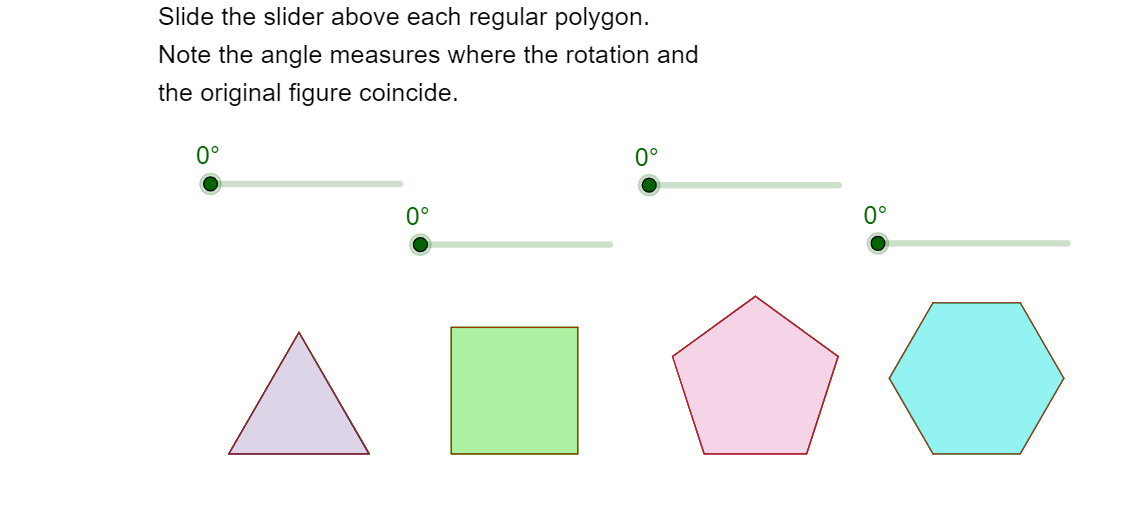
This GeoGebra example demonstrates the construction of rotational symmetry patterns. It involves core mathematical concepts such as rotation and symmetry. Using commands like Polygon, Midpoint, Segment, Intersect, and Rotate, you can construct polygons with rotational symmetry. Suitable for middle school students and teachers.
GeoGebra Commands & Parameters
Polygon(A, B, 4) → poly1, a, b, c, d, C, DPolygon(F, G, 5) → poly2, e, f, g, h, i, H, I, JMidpoint(h) → KMidpoint(f) → LSegment(K, G) → jSegment(L, J) → kIntersect(j, k) → MPolygon(N, O, 6) → poly3, l, S, m, n, p, q, r, P, Q, RSegment(R, O) → sSegment(Q, N) → tIntersect(s, t) → TRotate(poly1, (-α), E) → poly1'Rotate(poly2, β, M) → poly2'Rotate(poly3, γ, T) → poly3'Polygon(U, V, 3) → poly4, a_1, b_1, c_1, WMidpoint(c_1) → ZMidpoint(a_1) → A_1Segment(Z, V) → d_1Segment(W, A_1) → e_1Intersect(d_1, e_1) → B_1Rotate(poly4, δ, B_1) → poly4'
AI Drawing Prompt Reference
Draw a rotational symmetry pattern including two polygons, a quadrilateral and a pentagon, find midpoints and connect them, use the intersection point as a rotation center, rotate both polygons by specified angles, then draw a hexagon and a triangle, find midpoints, connect them, and rotate at the intersection point to display the beautiful rotational symmetry pattern.
The prompt above was compiled from the original drawing commands and is for reference only.