
Rotation of a Plane
Loading the math board and drawing, please wait…
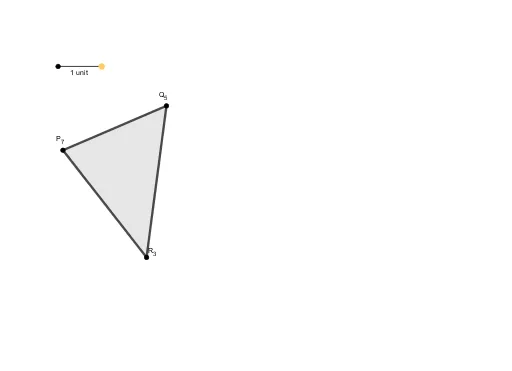
This example demonstrates the rotation of a plane. Key mathematical concepts include rotation, polynomial functions, equations, and geometric shapes. Using GeoGebra commands such as Point, Segment, Polygon, etc., the rotated plane can be constructed. Suitable for high school mathematics education and learning.
GeoGebra Commands & Parameters
Point(g) → DSegment(C, D) → hPolygon(B, A, E) → t1, e, b, aMidpoint(B, A) → FMidpoint(A, E) → GMidpoint(B, E) → HMidpoint(B, H) → IMidpoint(H, E) → JLine(J, G) → kLine(A, k) → lLine(F, l) → mLine(E, k) → nLine(B, m) → pOrthogonalLine(A, n) → fPoint(f) → KSegment(A, K) → iCircle(A, Segment[C, D]) → cIntersect(c, l, 2) → LCircle(L, Segment[D, C]) → dIntersect(d, l, 2) → MIntersect(n, f) → NPolygon(N, M, A) → t2, a_1, n_1, m_1Circle(N, M) → qIntersect(q, f, 1) → OCircleArc(N, O, M) → rSegment(O, K) → jLine(B, A) → sIntersect(n, s) → PSegment(P, A) → tLine(P, O) → f_1OrthogonalLine(B, n) → g_1Intersect(f_1, g_1) → QSegment(P, Q) → h_1Segment(Q, B) → i_1Polygon(E, O, Q) → t3, q_1, e_1, o
AI Drawing Prompt Reference
Draw a geometric diagram showing the rotation of a plane. Start with a triangle as the base plane, mark midpoints on its sides, and connect them to form auxiliary lines. From a vertex, draw perpendiculars to these lines to construct the rotated plane. Use a circle centered at a vertex with a given radius to intersect the auxiliary lines, creating new points. Then form a second triangle with these points to represent the rotated plane. Finally, connect relevant points to complete the figure, showing the rotation clearly.
The prompt above was compiled from the original drawing commands and is for reference only.