
Rotate Triangle by sobarrera
Loading the math board and drawing, please wait…
In collections
Rotating 2D shapes to make 3D Shapes
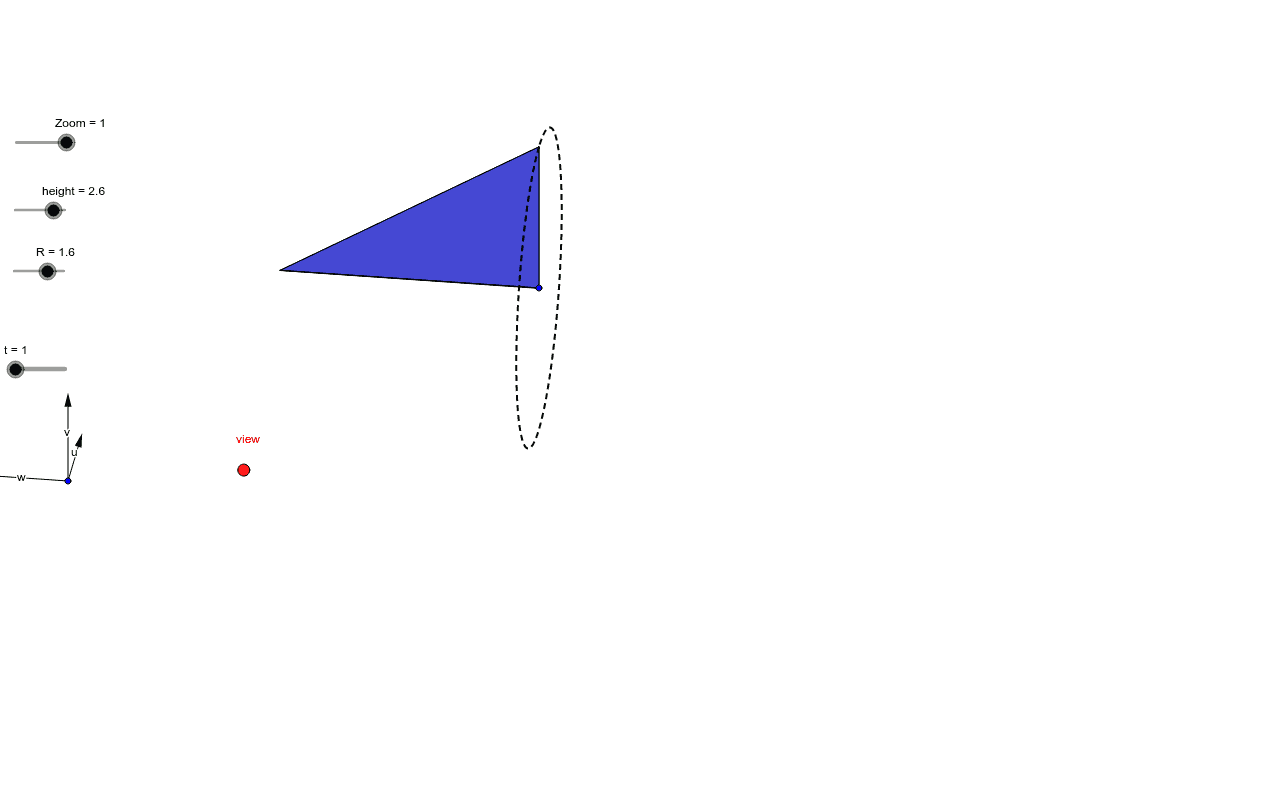
This example demonstrates how to rotate a triangle to show its transformations. Key mathematical concepts include triangle properties and rotation transformations. It uses GeoGebra commands such as Vector, Translate, and Polygon for construction. Suitable for middle school and above students learning geometric transformations.
GeoGebra Commands & Parameters
Vector(B_1, X) → uVector(B_1, Y) → vOrthogonalLine(view, yAxis) → a_1OrthogonalLine(view, xAxis) → bVector(B_1, Z) → wSequence((x(A), y(A)) - (R * (((sin(0°) * sin(i°)) * w) + ((cos(0°) * sin(i°)) * u) - (cos(i°) * v))), i, 0, k, n) → liste2Translate(A, Vector[(height * w)]) → A'Sequence(Polygon[A, Element[liste2, i], A'], i, 0, t) → liste4Polygon(A, A', Element[liste2, t]) → poly1, i, a_2, a'CurveCartesian(x(A - (R * (((0 * sin(i)) * w) + (sin(i) * u) - (cos(i) * v)))), y(A - (R * (((0 * sin(i)) * w) + (sin(i) * u) - (cos(i) * v)))), i, 0, 6.283185307179586) → eSegment(A', A) → g_1
AI Drawing Prompt Reference
Draw a triangle and show its rotation transformation. Start with a base point, from which three vectors extend in different directions, one vertical. Use these vectors to generate a series of rotated triangle vertices by varying an angle parameter, then connect each set of vertices with the base point to form multiple overlapping triangles. Add a segment from the base point as a reference axis, and a smooth curve tracing the path of a vertex during rotation. The final image includes the original triangle, several rotated copies, vector directions, and a trajectory curve, clearly illustrating the geometric transformation.
The prompt above was compiled from the original drawing commands and is for reference only.