
Rotate Circle
Loading the math board and drawing, please wait…
In collections
Rotating 2D shapes to make 3D Shapes
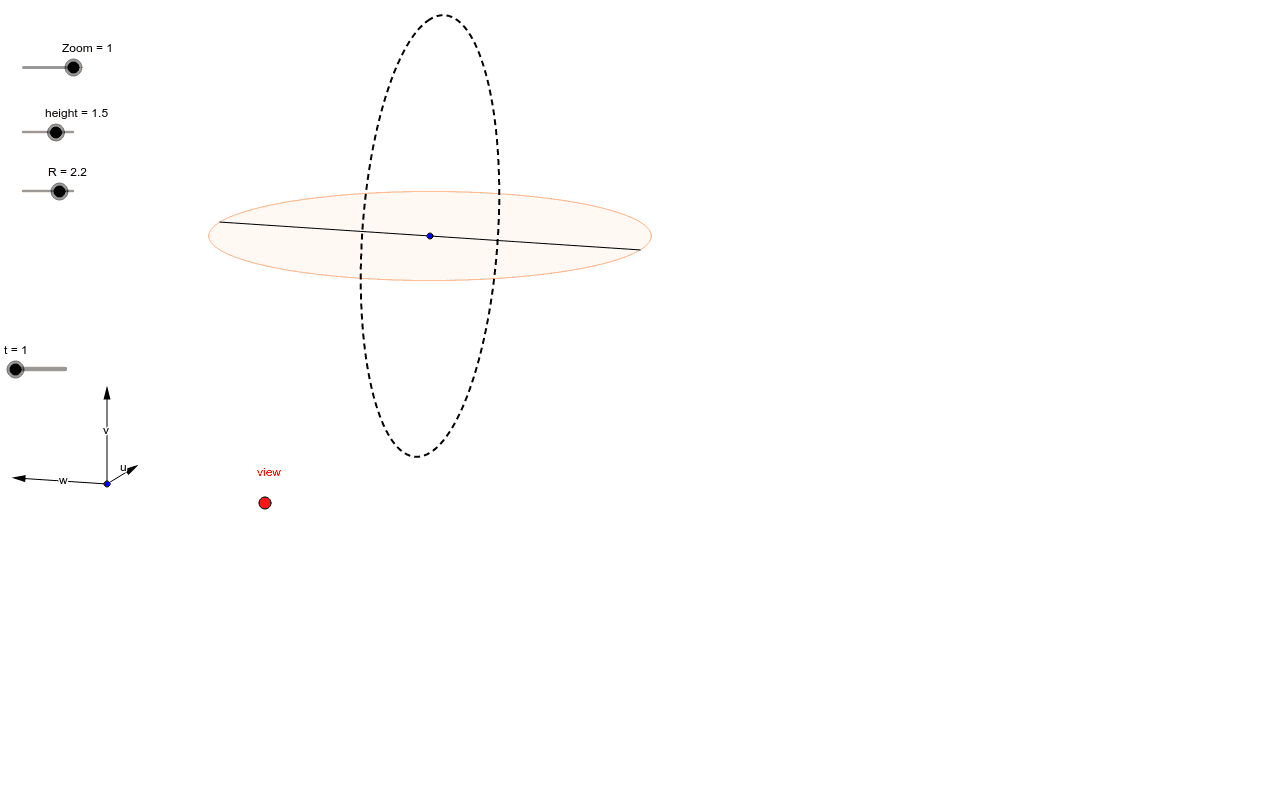
This example demonstrates the rotation of a circle in a plane, involving core mathematical concepts like rotation, vectors, coordinate geometry, and trigonometry. Key GeoGebra commands and objects used include Vector, OrthogonalLine, Translate, Mirror, CurveCartesian, Sequence, Segment, and Element. Suitable for high school students learning coordinate geometry and transformations.
GeoGebra Commands & Parameters
Vector(B_1, X) → uVector(B_1, Y) → vOrthogonalLine(view, yAxis) → a_1OrthogonalLine(view, xAxis) → bVector(B_1, Z) → wTranslate(C, Vector[(R * w)]) → C'Mirror(C', C) → C''CurveCartesian(x(C - (R * (((0 * sin(i°)) * v) + (sin(i°) * u) - (cos(i°) * v)))), y(C - (R * (((0 * sin(i°)) * v) + (sin(i°) * u) - (cos(i°) * w)))), i, 0, k) → jSequence(CurveCartesian[x(C - (R * (((sin(j) * cos(i°)) * v) + ((cos(j) * cos(i°)) * u) - (sin(i°) * w)))), y(C - (R * (((sin(j) * cos(i°)) * v) + ((cos(j) * cos(i°)) * u) - (sin(i°) * w)))), i, 0, k], j, 0, (1.5 * t / n), 2 / n) → liste12CurveCartesian(x(C - (R * (((0 * sin(i)) * w) + (sin(i) * u) - (cos(i) * v)))), y(C - (R * (((0 * sin(i)) * w) + (sin(i) * u) - (cos(i) * v)))), i, 0, 6.283185307179586) → lSegment(C', C'') → e_1Element(liste12, ((1.5 * π) * t / n)) → ccElement(liste12, ((1.5 * π) * t / n)) → z