
Centripetal Acceleration
Loading the math board and drawing, please wait…
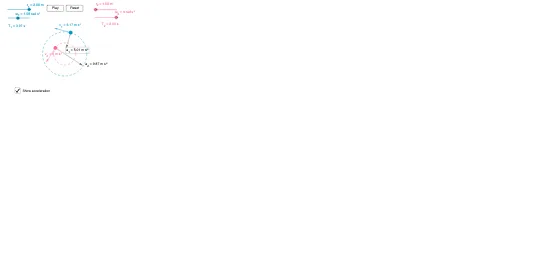
This example demonstrates the calculation and visualization of centripetal acceleration in a two-dimensional plane. It involves core mathematical concepts such as vectors, trigonometry, circular motion, and coordinate geometry. Construction highlights include using GeoGebra commands like Point, Rotate, Angle, Segment, Vector, and Circle with objects like t_2, ω_2, r, ω, t, θ, A, C, etc. Suitable for high school physics and mathematics education to understand the relationship between centripetal acceleration and angular velocity.
GeoGebra Commands & Parameters
Point(Circle[A, r]) → CPoint(Circle[A, r_2]) → C_2Rotate(C_2, θ_2, A) → B_2Angle(C_2, A, B_2) → θ_{3}Rotate(C, θ, A) → BSegment(A, B) → fVector(B, D) → vAngle(C, A, B) → αCircle(A, B) → c_3Circle(A, B_2) → c_4Segment(A, B_2) → f_2Vector(B_2, D_2) → v_2Segment(A, C) → gVector(B, A) → c_1Vector(B_2, A) → c_2Vector(B_2, E) → aVector(B, F) → b
AI Drawing Prompt Reference
Draw a circle with center O and radius r on a 2D plane. From O, draw a line segment of length r_2 to point C_2. Rotate C_2 around O by angle θ_2 to get point B_2. Connect O to C_2 and draw a vector v to the right from B_2. Draw two circles centered at O, one with radius r and the other with radius the distance from B to O. Connect O to C and draw a vector c_1 to the right from C. Connect B_2 to A and draw a vector c_2 to the right from B_2. Connect B_2 to E and draw a vector a to the right from B_2. Connect B to F and draw a vector b to the right from B.
The prompt above was compiled from the original drawing commands and is for reference only.