
Rosette Symmetry: Exploring Geometric Symmetry and Complex Transformations
Loading the math board and drawing, please wait…
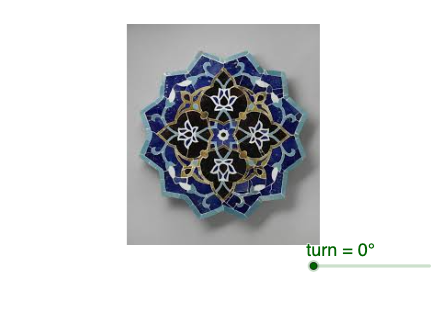
Rosette Symmetry demonstrates a beautiful geometric phenomenon through rotation and symmetry operations, generating complex petal patterns. Key mathematical concepts include symmetry, complex number transformations, and differential equations. Construction involves using GeoGebra's Rotate command to rotate objects A and B, combined with pic1 for symmetry transformations. Suitable for high school students learning geometric transformations and complex number applications, or for mathematical modeling teaching.
GeoGebra Commands & Parameters
Rotate(pic1, turn, C) → pic1'
AI Drawing Prompt Reference
Create a rosette pattern by rotating a base shape around a central point. Start with a simple figure containing two key points, then rotate the entire shape repeatedly by a fixed angle around the center, keeping each rotated copy visible. The result is a radially symmetric, petal-like design that demonstrates rotational symmetry and geometric transformation.
The prompt above was compiled from the original drawing commands and is for reference only.