
Rhombus Properties Demo by Grace Piol
Loading the math board and drawing, please wait…
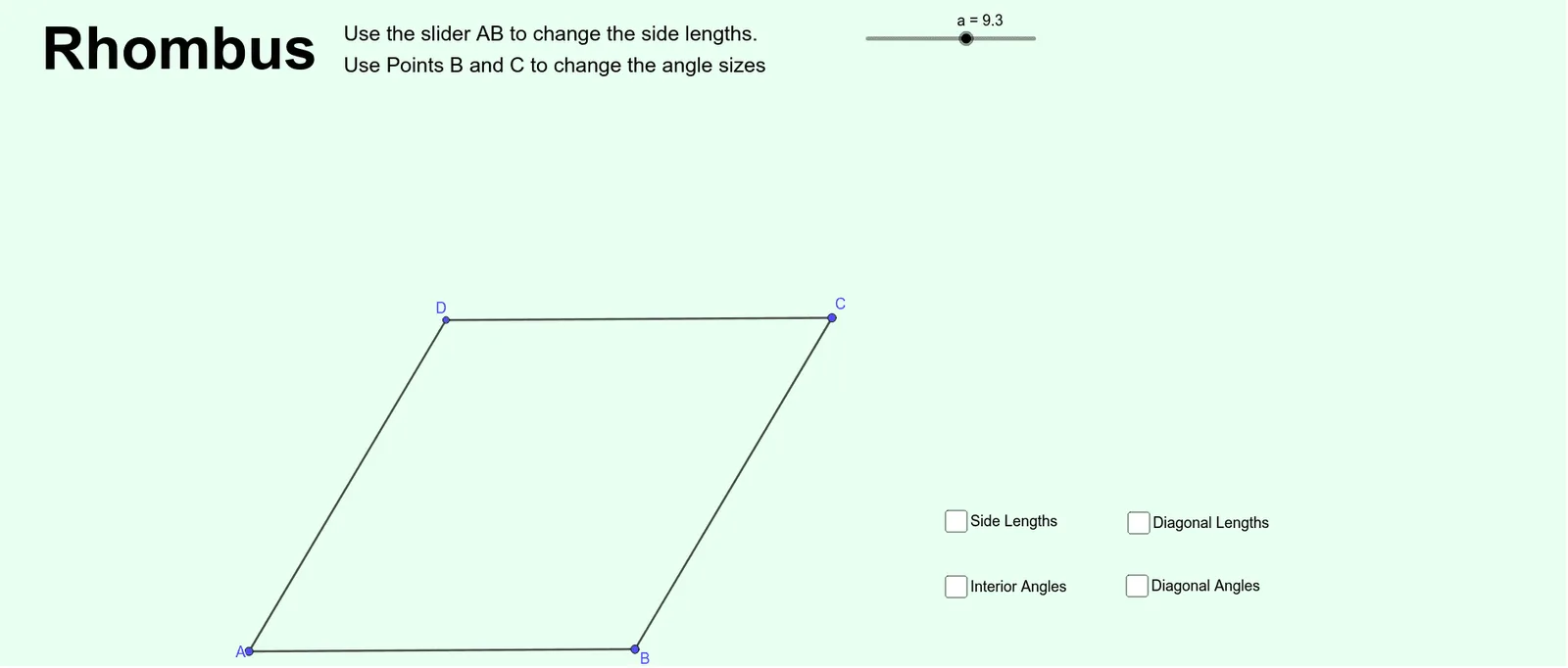
This example dynamically demonstrates the geometric properties of a rhombus, including side lengths, angles, and relationships between diagonals. Key math concepts involved are the definition of a rhombus, properties of isosceles triangles, angle relationships, perpendicular bisectors of diagonals, and area calculation formulas. Construction highlights include using commands like Point, Segment, Line, Intersect, and Angle to draw the rhombus and related elements such as vertices, sides, diagonals, and angle bisectors. Suitable for middle school and high school students learning geometric properties and high school analytical geometry teaching.
GeoGebra Commands & Parameters
Point(Circle[A, a]) → BSegment(A, B) → fPoint(Circle[B, a]) → CSegment(B, C) → gLine(C, f) → hLine(A, g) → iIntersect(i, h) → DSegment(C, D) → jSegment(D, A) → kSegment(D, B) → lSegment(A, C) → mIntersect(l, m) → ESegment(D, E) → nSegment(E, B) → pSegment(C, E) → qSegment(E, A) → rSegment(D, C) → sSegment(C, B) → tSegment(B, A) → bSegment(A, D) → cAngle(A, D, C) → αAngle(D, C, B) → βAngle(C, B, A) → γAngle(B, A, D) → δAngle(D, E, A) → εAngle(B, E, C) → ζAngle(A, E, B) → ηAngle(C, E, D) → θ
AI Drawing Prompt Reference
Draw a rhombus with labeled vertices, sides, and diagonals. Show the diagonals intersecting at a point and being perpendicular to each other. Draw perpendicular bisectors at the midpoints of each side, which are also the diagonals. Highlight the four smaller triangles formed by the diagonals, showing they are isosceles. Label all angles and draw angle bisectors at each vertex.
The prompt above was compiled from the original drawing commands and is for reference only.