
Rectangle Properties Demo
Loading the math board and drawing, please wait…
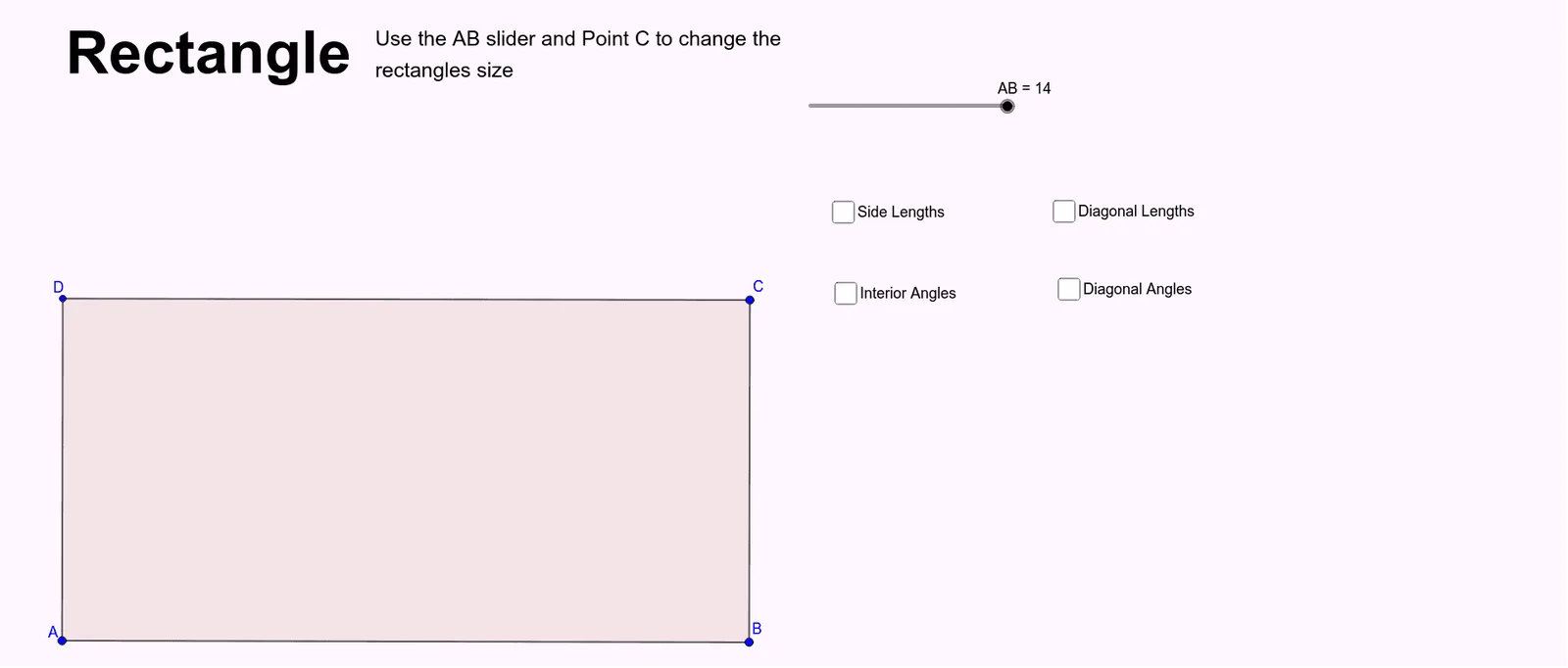
This example demonstrates the geometric properties of a rectangle, including parallel and equal opposite sides, and right angles at all vertices. It involves core mathematical concepts like plane geometry, polygon attributes, and coordinate geometry. The construction uses GeoGebra commands such as Point, Segment, OrthogonalLine, Line, Intersect, and Polygon. Suitable for middle school students and above for learning geometric constructions and property exploration, as well as high school coordinate geometry instruction.
GeoGebra Commands & Parameters
Point(Circle[A, AB]) → BSegment(A, B) → fOrthogonalLine(B, f) → gOrthogonalLine(A, f) → hPoint(g) → CLine(C, f) → iIntersect(i, h) → DPolygon(D, C, B, A) → q1, c, handle, b, a_1Segment(D, C) → jSegment(C, B) → kSegment(B, A) → lSegment(A, D) → mSegment(D, B) → nSegment(A, C) → pIntersect(p, n) → ESegment(D, E) → qSegment(E, B) → rSegment(E, C) → sSegment(E, A) → tAngle(A, D, C) → αAngle(D, C, B) → βAngle(C, B, A) → γAngle(B, A, D) → δAngle(D, E, A) → εAngle(B, E, C) → ζAngle(C, E, D) → ηAngle(A, E, B) → θ
AI Drawing Prompt Reference
Draw a rectangle by first creating a base segment, then constructing perpendicular lines at both endpoints. Pick a point on one perpendicular as a vertex, draw a line through it parallel to the base, and intersect with the other perpendicular to get the fourth vertex. Connect all four vertices to form the rectangle. Mark all four interior angles as right angles. Draw both diagonals, intersecting at the center point. From the center, draw segments to each vertex and to the midpoints of the sides. Label the four angles around the center point.
The prompt above was compiled from the original drawing commands and is for reference only.