
Restricting Sine Function Domain for Inverse Construction
Loading the math board and drawing, please wait…
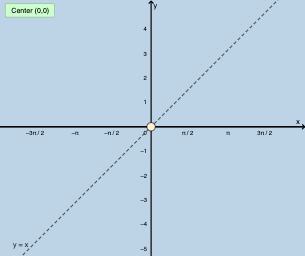
This example demonstrates how to restrict the domain of the sine function to enable the construction of its inverse. Key math concepts include sine function properties and the relationship between domain/range for inverse functions. Construction highlights involve using GeoGebra commands like Mirror, Textfield, Point with objects f, g, f_1, InputBox1, a, b, h, h_1, InputBox2, InputBox3, c, d, f_2, button2, e, text1, p, A, i. Suitable for high school mathematics education to understand inverse function construction criteria.
GeoGebra Commands & Parameters
Mirror(f, g) → f_1Textfield(f) → InputBox1Mirror(h, g) → h_1Textfield(a) → InputBox2Textfield(b) → InputBox3Mirror(f, g) → f_2Point(p) → A
AI Drawing Prompt Reference
Draw the graph of a sine function and demonstrate how to restrict its domain to construct its inverse. First, plot the sine curve, then create its reflection over the x-axis to show symmetry. Use text boxes to input parameters and generate new images through reflection. Finally, mark key points and draw auxiliary lines to illustrate the inverse function construction process.
The prompt above was compiled from the original drawing commands and is for reference only.