
Rectangle with Constant Area and Perimeter
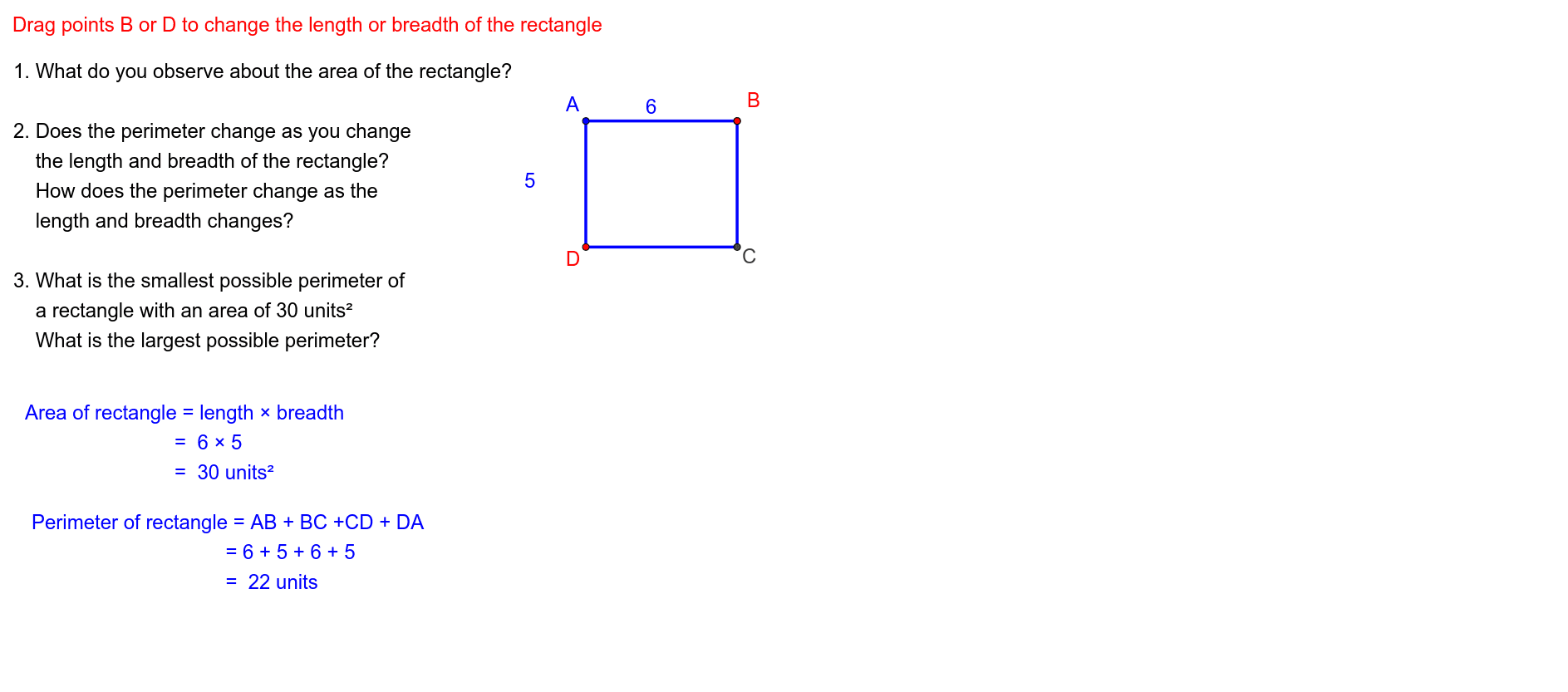
Loading the math board and drawing, please wait…
This example demonstrates the dynamic geometric relationship between the length and width of a rectangle when both area and perimeter are held constant. It involves core mathematical concepts such as area, perimeter, geometric mean, statistics, power functions, angles, and hypothesis testing. The construction utilizes GeoGebra commands and objects like Line, OrthogonalLine, Point, Segment, UnitVector, Translate, Midpoint, and Sequence. It is suitable for high school and above, exploring functional relationships and optimization problems under geometric constraints.
GeoGebra Commands & Parameters
Line(A, B') → fOrthogonalLine(A, f) → gPoint(g) → D'Point(g) → DPoint(f) → BSegment(A, B) → lSegment(A, D) → bUnitVector(Vector[A, B']) → uUnitVector(Vector[A, D']) → vTranslate(A, Vector[(l_l * u)]) → B''Segment(B, C) → hSegment(C, D) → iMidpoint(A, D) → M_{AD}Midpoint(A, B) → M_{AB}Translate(A, Vector[((-l_b) * v)]) → D''Sequence((0, i), i, 0, -20, -1) → list1
AI Drawing Prompt Reference
Draw a rectangle with a constant area and perimeter to show the dynamic relationship between its length and width. Start by drawing a line segment, then draw a perpendicular line segment from one endpoint. Mark two points on this perpendicular line. Connect these points to the endpoints of the original line segment to form a rectangle. Next, translate a segment along the perpendicular line from one corner, and connect the new point to complete the rectangle, demonstrating how the shape changes while maintaining the constraints.
The prompt above was compiled from the original drawing commands and is for reference only.