
Rectangle, Rhombus, Square by Katie Drach
Loading the math board and drawing, please wait…
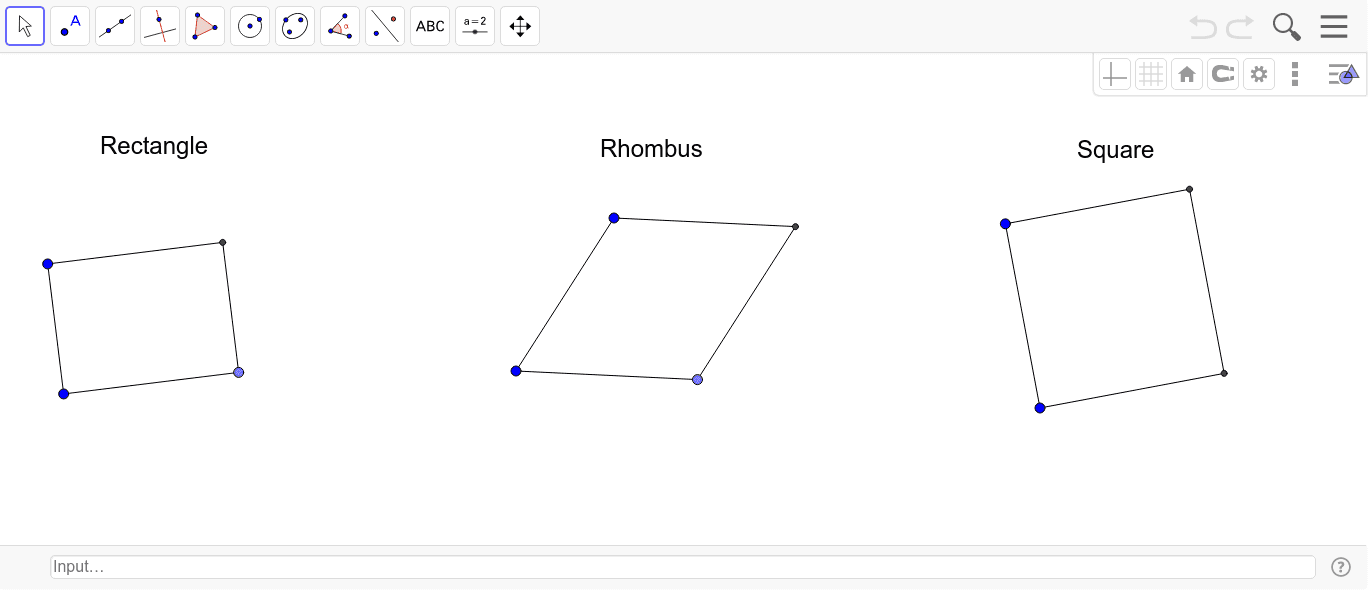
This example demonstrates the properties and relationships of rectangles, rhombuses, and squares. It involves core mathematical concepts such as polygons, similarity transformations, quadratic functions, and geometric constructions. The construction uses GeoGebra commands/objects like Segment, Circle, OrthogonalLine, Intersect, Point, and Line. Suitable for high school mathematics teaching or geometry learning to understand the definitions and properties of special quadrilaterals.
GeoGebra Commands & Parameters
Segment(A, B) → aCircle(B, A) → cOrthogonalLine(B, a) → bIntersect(c, b, 2) → COrthogonalLine(A, a) → dOrthogonalLine(C, b) → eIntersect(d, e) → DSegment(B, C) → fSegment(C, D) → gSegment(D, A) → hSegment(A, D) → iSegment(E, F) → jOrthogonalLine(E, j) → kOrthogonalLine(F, j) → lPoint(l) → GOrthogonalLine(G, l) → mIntersect(k, m) → HSegment(E, H) → nSegment(H, G) → pSegment(G, F) → qSegment(I, J) → rCircle(J, I) → sPoint(s) → KSegment(J, K) → tLine(I, t) → a_1Line(K, r) → b_1Intersect(a_1, b_1) → LSegment(I, L) → c_1Segment(L, K) → d_1
AI Drawing Prompt Reference
Draw a rectangle, then transform it into a rhombus and a square by adjusting the side lengths and angles. Start by drawing two intersecting line segments to form the vertices of the rectangle. Use perpendicular lines and intersections to expand it into a rhombus. Finally, adjust the angles and side lengths to make all sides equal and the angles 90 degrees, forming a square.
The prompt above was compiled from the original drawing commands and is for reference only.